Our recommendation
For a window display or indoor props, use the Anker Nebula Capsule 3 Laser on a tripod: it is the projector we use in our own videos, and it stays warm and dry indoors. For a garage door or the front of the house, choose the XGIMI Horizon 20 Pro. The BenQ TH575 is the lower-cost garage-door option, and the short-throw Optoma GT2000HDR works where the projector has to sit close to the house.
Then map it from your phone. Lazy Lighting fits video to each window, box or door: draw a shape and drag its corners while you watch the projection. Free to download. Disclosure: we make Lazy Lighting.
Get Lazy Lighting ↗Quick comparison
| Projector | Best for | Brightness (lumens) | Rating standard | Resolution | Throw ratio |
|---|---|---|---|---|---|
| Anker Nebula Capsule 3 Laser | Windows and indoor props | 300 | ANSI | 1920×1080 | 1.2:1 |
| XGIMI Horizon 20 Pro | Garage doors and house fronts | 4,100 | ISO | 3840×2160 (pixel-shift) | 1.2–1.5:1 |
| BenQ TH575 | Garage door on a budget | 3,800 | ANSI | 1920×1080 | 1.49–1.64:1 |
| Optoma GT2000HDR | Short yards | 3,500 | Not stated | 1920×1080 | 0.496:1 |
| Nebula Mars 3 | Temporary yard display | 1,000 | ANSI | 1920×1080 | 1.2:1 |
| Epson EpiqVision Flex CO-FH02 | Window with a bright street outside | 3,000 | ISO | 1920×1080 | 1.19:1 |
| XGIMI HORIZON 20 Max | Large house fronts | 5,700 | ISO | 3840×2160 (pixel-shift) | 1.2–1.5:1 |
Anker Nebula Capsule 3 Laser
Used hands-on by the Lazy Lighting team
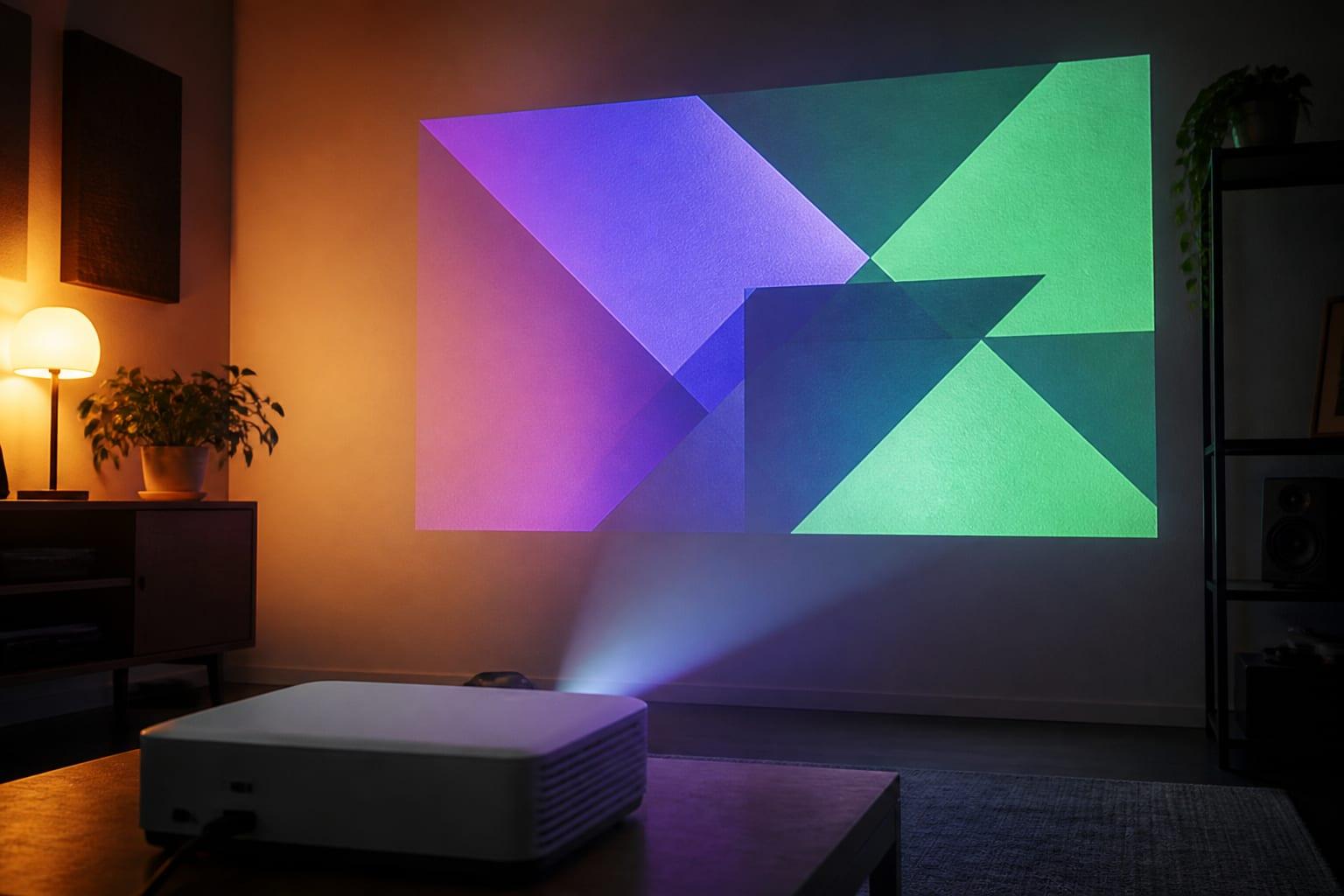
Windows and indoor props. The projector we use in our own videos. Compact, battery powered, Google TV built in and tripod-ready, it suits a rear-projected window or an indoor scene that runs every evening without leaving the house.
Check price & availability (paid link) ↗XGIMI Horizon 20 Pro
Specs-based pick
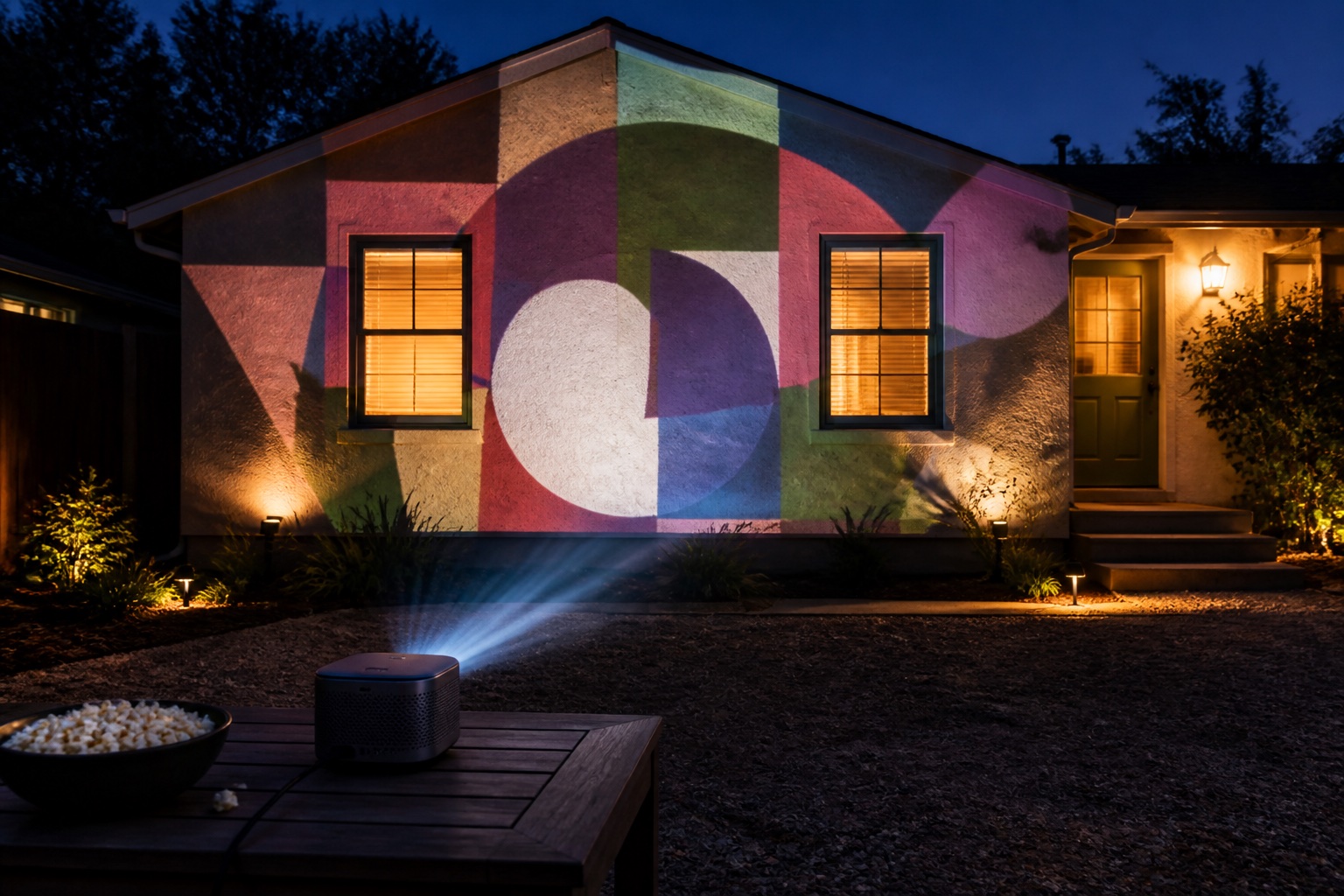
Garage doors and house fronts. Bright triple-laser output with optical zoom and lens shift fills a garage door or house front after dark. It needs mains power and weather protection.
Check price & availability (paid link) ↗BenQ TH575
Specs-based pick
Garage door on a budget. High rated output at an approachable price for a pale garage door after dark.
Check price & availability (paid link) ↗Optoma GT2000HDR
Specs-based pick
Short yards. Short throw produces a large image closer to the facade and helps keep the beam away from viewers.
Check price & availability (paid link) ↗Nebula Mars 3
Specs-based pick
Temporary yard display. Battery power and a handle simplify brief setups, though it is not a whole-house brightness solution.
Check price & availability (paid link) ↗Epson EpiqVision Flex CO-FH02
Specs-based pick
Window with a bright street outside. Extra headroom for a rear-projected window that has streetlights or neighbors' displays shining on it.
Check price & availability (paid link) ↗XGIMI HORIZON 20 Max
Specs-based pick
Large house fronts. More headroom than the Horizon 20 Pro for a two-story front or a street full of other lights.
Check price & availability (paid link) ↗How we chose: the Anker Nebula Capsule 3 Laser is the projector the Lazy Lighting team uses hands-on, including in our own videos. The other picks are based on manufacturer specifications; we have not tested them ourselves. Check current specifications and availability before buying. As an Amazon Associate we earn from qualifying purchases.
What else you need
- Tripod: K&F Concept 64" tripod. Holds a compact projector like the Capsule 3 Laser at window height, and its feet can be marked so the projector returns to the same spot every night. Check price & availability (paid link) ↗
- Phone adapter: USB-C to HDMI hub. Wires a USB-C phone or tablet to the projector's HDMI input, with charging pass-through for a nightly loop. Check price & availability (paid link) ↗
How many lumens do you need for Christmas projection?
Projector light spreads across the image area, so widening the picture dims it quickly: double the width and the same light covers roughly four times the surface. This is why a projector that looks brilliant on a single window looks grey stretched across a garage door, and why shrinking the image is usually a better first move than buying a brighter model.
Rough targets after full darkness: a rear-projected window, a wreath or a small prop works from about 300 ANSI lumens, or 1,000 and up if the street is bright or you start at dusk. A single garage door needs about 3,000 or more, a double door 4,000 or more. A full house front needs 4,000 to 5,000 or more, or needs to be broken into smaller mapped sections.
Read the brightness figures carefully, because they are not measured the same way. ANSI and ISO lumens follow published standards; a bare lumens number with no standard attached is a marketing figure, often far higher than the same projector would measure under ANSI. The table above reproduces whichever figure each manufacturer publishes, which is why the units differ between rows.
- Window rear-projection, wreaths and small props: about 300 ANSI lumens and up (1,000+ with a bright street or at dusk)
- Single garage door or outside wall: about 3,000 lumens and up (4,000+ for a double door)
- Full house front: 4,000 to 5,000 lumens or more, or split into mapped sections
Christmas window projection from inside the house
Window projection is the easiest Christmas display to get right, and the kindest to your equipment, because the projector never leaves the house. You control the darkness in the room, the temperature is stable, and nothing has to be packed away when it rains.
Bare glass will not hold an image; the light passes straight through into the yard. Put a diffusion surface in the window itself: rear-projection film, a taut white sheet, tracing paper or frosted material all work with different amounts of brightness loss. Whichever you use, test it before December rather than on the evening you want it running.
Remember that the image reads mirrored from the street, so flip it horizontally in your player or mapping app. And keep the room behind the window dark. Interior light bleeding through the diffusion material will wash out the effect from outside regardless of how bright the projector is.
Garage door and single-facade Christmas displays
A garage door is the most useful large surface on a typical house: broad, flat, pale and already facing the street. It is also where brightness becomes the real constraint, because you are lighting a large area that competes with porch lights, streetlights and every neighbouring display on the block.
For a facade, map one section rather than the whole building. A bright, well-aligned scene on one area reads as deliberate design. A dim image stretched over brick, gutters and windows reads as a projector pointed at a house. Windows are the specific difficulty, because they absorb light rather than reflecting it; either map around them or use them intentionally as dark shapes.
Before buying a brighter projector, try the three free levers: make the image smaller, move the projector closer, and raise the contrast in the content. Bold shapes on solid black outperform intricate artwork on every exterior surface, at every brightness level. Our throw-distance calculator shows where the projector has to stand for the width you want.
Where to get Christmas projection videos
The projector makes the light; the content makes the display. Commercial effect libraries sell Christmas loops built for projection, with falling snow, animated windows, characters and countdowns already rendered on black backgrounds so they read correctly on a house. If you are still choosing between a laser light projector and a video projector, our comparison of the two explains what each can show.
Whatever the source, the rule is the same: content for projection must sit on pure black, because black is simply where the projector emits no light. An ordinary video with a grey or lit background will project that background as a glowing rectangle across your wall, which is the single most common reason a first display looks wrong.
If you are making your own, remember the loop will run for hours a night across several weeks. Build in calm passages rather than constant motion. Displays that are relentlessly busy stop reading as festive from the sidewalk and are the ones neighbours tire of first.
Cold, condensation and winter weather
Most consumer projectors are not rain-rated, and winter adds problems Halloween displays never face. Protect the unit from precipitation, sprinklers, wind and dew while preserving the intake and exhaust clearances the manufacturer specifies. A sealed plastic tote is the usual improvisation and it is genuinely unsafe: a projector that cannot exhaust heat will throttle, shut down, or fail outright.
Condensation causes more seasonal projector deaths than rain. Moisture forms when a cold projector is carried into a warm humid room, or when a running projector cools rapidly in damp air. Move equipment between temperatures gradually, and let a cold projector reach room temperature before powering it on.
Check the manufacturer's minimum operating temperature before committing to an outdoor install. XGIMI rates the Horizon 20 Pro for 0–40°C (32–104°F), and a lot of December nights sit below freezing. If yours do, window projection from indoors is not a compromise, it is the correct answer.
Snow, streetlights and contrast
Snow changes the optics of a display in both directions. Fresh snow on the ground is highly reflective and throws light back up onto the house, which lifts the black level of your projection and makes the whole scene look flatter than it did in rehearsal.
The fix is contrast rather than brightness. Increase the separation between the lit and unlit parts of the content, and prefer saturated colour over pale tones, which disappear fastest against a bright ambient background. If your display will run through snowy weeks, check it once after a real snowfall rather than assuming the December setup still holds.
Streetlights are the other constant. If one is washing out your surface and cannot be avoided, shrinking the image and moving the projector closer will recover far more perceived brightness than anything you can change in the content.
Getting the same alignment back every night
This is the difference between a Halloween display and a Christmas one. A one-night show can be aligned by eye; a six-week run needs to return to the same position repeatedly, often after the projector has been brought inside for weather or security.
Mark tripod feet on the ground with tape or paint. Save the source resolution and the project file. Disable automatic keystone, auto-focus and screen-fit, because a projector that reframes itself on power-up will break every mask you built. Secure cables so a tug does not shift the alignment.
Keep a short alignment test pattern, a grid or a set of corner marks, as the first thing you play each evening. Ten seconds of checking beats an entire night of a display that is visibly a few degrees off. Render a fallback video loop as well: a plain player is far easier to recover on a busy evening than a live mapping session.
Neighborhood-friendly scheduling
A Christmas display runs far longer than a Halloween one, so the things neighbours tolerate for one night become genuine friction over six weeks. Mask light away from neighbouring windows, keep it off the road, and avoid rapid flashing that carries much further after dark than it appears from your own driveway.
Put the show on a timer with a published schedule, something like dusk until 9 or 10pm. A predictable window reduces complaints, saves lamp or laser hours, and gives people a reason to come and look rather than a reason to object. Keep audio optional and quiet, or leave it out entirely and let people tune in on a phone if you want a soundtrack.
Test the finished loop from the sidewalk and from a neighbour's side of the street, not from beside the projector. That viewpoint is where your display is actually experienced, and it is where alignment errors and stray light become obvious.
Frequently asked questions
How many lumens do I need for Christmas projection mapping?
A window display or small prop works from about 300 ANSI lumens after dark (1,000 or more if the street is bright). A single garage door needs about 3,000 or more (4,000 for a double), and a full house front 4,000 to 5,000 or more, or split the display into smaller mapped sections.
What is the best projector for Christmas projection?
For a window display or indoor props, the Anker Nebula Capsule 3 Laser on a tripod, which is the projector we use in our own videos. For a garage door or the front of the house, the XGIMI Horizon 20 Pro.
Can a portable projector map a whole house?
Usually not convincingly. Portable models suit windows, props or a small facade section. Because brightness spreads across image area, stretching a 1,000-lumen projector across a whole house produces a dim image rather than a big one.
Can I leave a projector outside all winter?
Only if the manufacturer explicitly permits the conditions, which most consumer models do not. Beyond rain, you need to manage condensation, minimum operating temperature and ventilation. Check the rated operating temperature too: XGIMI rates the Horizon 20 Pro down to 0°C (32°F), and running it colder than that is out of spec.
Why does my Christmas projection look washed out after it snows?
Fresh snow reflects light back onto the house and raises the black level of the projection, which flattens the image. Increase contrast in the content and favour saturated colours over pale tones, rather than simply turning up brightness.
Where do I get Christmas projection videos?
Commercial effect libraries such as AtmosFX sell Christmas loops rendered for projection, with snow, animated windows and characters on black backgrounds. Mapping apps can also supply scenes; Lazy Lighting includes 30 built-in Christmas scenes, 4 of them on the free plan. Any content you use must sit on pure black, or the background will project as a glowing rectangle on your wall.
How do I get the projector back in the same position every night?
Mark the tripod feet, disable automatic keystone and screen-fit so the projector cannot reframe itself on power-up, secure the cables, and play a short alignment grid before the show each evening.
Is a 4K projector worth it for Christmas projection?
Only for detailed, reusable displays viewed relatively close. At typical street viewing distances on a textured exterior surface, brightness and contrast affect how the display reads far more than resolution does.
How far should the projector be from the house?
That depends on the projector throw ratio rather than a fixed distance. Multiply the target image width by the throw ratio to get lens distance, or use a throw-distance calculator. Short-throw models cover the same width from much closer.
Prices, availability, and specifications can change by market and date. Confirm current manufacturer documentation and the retailer listing before purchasing.