Our recommendation
Buy a tripod first: mapping only works if the projector doesn't move, and the K&F Concept 64-inch tripod (17.6 lb rated load, standard 1/4-inch screw) suits small projectors such as the Nebula Capsule 3 Laser. Next, the adapter your phone actually needs: a USB-C-to-HDMI hub for USB-C phones that output video, or Apple's Lightning Digital AV Adapter for Lightning iPhones. Add window material, outdoor power, sandbags and a dark cloth as the project calls for them.
What else you need
- Tripod: K&F Concept 64" tripod. 64 in (163 cm) maximum height, 360° ball head, standard 1/4-inch screw and a 17.6 lb rated load. Holds a compact projector still once the map is aligned. Check price & availability (paid link) ↗
- Phone adapter (USB-C): Anker 5-in-1 USB-C hub with HDMI. For USB-C phones and iPads that support video out. Anker lists 4K HDMI output and up to 85 W power delivery, so the phone can charge while it drives the projector. Check price & availability (paid link) ↗
- Phone adapter (Lightning): Apple Lightning Digital AV Adapter. For iPhone 14 and earlier and every iPhone SE. Outputs up to 1080p and has a Lightning port for charging while connected. Check price & availability (paid link) ↗
1. A tripod that holds still
Every mapped shape is drawn against the projector's exact position. Move the projector a few millimeters and every edge on the surface moves with it, so the stand is the first thing to get right. A tripod also lets you aim at a pumpkin on the floor or a window across the room without stacking books under the projector.
Our pick is the K&F Concept 64-inch travel tripod. Its Amazon listing gives a 64 in (163 cm) maximum height, an aluminum frame, a 360° ball head, a standard 1/4-inch screw and a 17.6 lb (8 kg) rated load. That is plenty for a small projector with a tripod thread, such as the Nebula Capsule 3 Laser at about 2 lb (0.9 kg).
A large projector is a different load. The XGIMI Horizon 20 Pro weighs 4.9 kg (10.8 lb): inside the tripod's rating on paper, but top-heavy on a lightweight travel tripod outdoors. For that class, use a sturdy table or platform, or a stand rated well above its weight, such as XGIMI's Floor Stand Ultra (1/4-inch screw, rated to 10 kg, listed as compatible with the Horizon 20 series). Whatever holds the projector:
- Lock every leg section and the ball head before you start mapping.
- Mark where the feet sit with tape so you can put it back in the same place tomorrow.
- Keep it out of walkways, or people will bump it in the dark.
2. The right phone-to-HDMI adapter
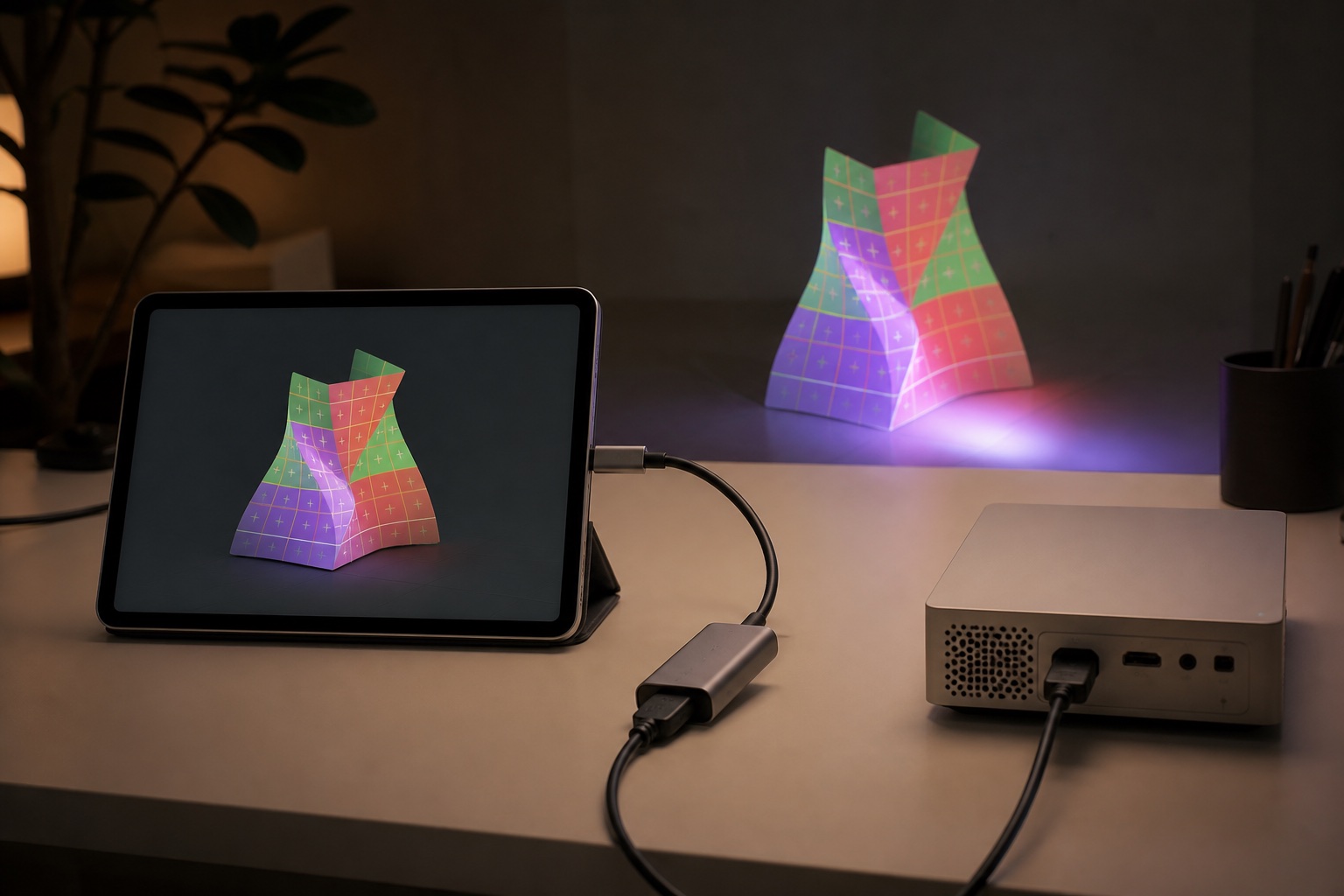
The adapter depends on your phone, and not every USB-C phone can output video. USB-C iPhones (15 and later, except the 16e and 17e), USB-C iPads, most Samsung Galaxy S, Note, Fold and Tab S models, and Pixel 8 and later can. Lightning iPhones can with Apple's adapter. Many budget Android phones can't output video over USB-C at all. Our cables and adapters guide has the full list with manufacturer sources.
Wireless is an option too. AirPlay works from iPhone and iPad, Miracast or Smart View from many Android phones, and Lazy Lighting Link connects iPhone, iPad and Android to Google TV projectors over Wi-Fi with no adapter. The Lazy Lighting connection guide has the step-by-step for each method. For a cable connection: Disclosure: we make Lazy Lighting.
- USB-C phones and iPads: the Anker 5-in-1 USB-C hub. Anker lists 4K HDMI output and up to 85 W power delivery, so you can plug the phone's charger into the hub and keep it charging while it drives the projector.
- Lightning iPhones (iPhone 14 and earlier, and every iPhone SE): Apple's Lightning Digital AV Adapter. It outputs up to 1080p and has a Lightning port for charging while connected.
- Then a short HDMI cable to the projector. Put the phone next to the projector rather than running a long cable.
| Device | Video out over the port? | What to buy |
|---|---|---|
| iPhone 15 and later (not 16e or 17e) | Yes, USB-C | USB-C-to-HDMI hub or adapter |
| iPhone 14 and earlier, iPhone SE | Yes, with Apple's adapter | Apple Lightning Digital AV Adapter |
| USB-C iPad | Yes, USB-C | USB-C-to-HDMI hub or adapter |
| Samsung Galaxy S8+, Note8+, Z Fold, Tab S4+ (see exceptions) | Yes, USB-C | USB-C-to-HDMI hub or adapter |
| Google Pixel 8 and later | Yes, USB-C | USB-C-to-HDMI hub or adapter |
| Many budget Android phones | Often no | Wireless (Miracast/Smart View or a Google TV receiver app) |
3. Rear-projection material for windows
Bare glass won't hold an image; the light goes straight through. For a window display seen from the street, you project from inside the room onto a translucent material stretched across the window. A small projector is enough for this, about 300+ ANSI lumens in a dark room (1,000+ if the window faces a bright street or you start at dusk).
Pull the material taut, because wrinkles show more than anything else, and keep the room behind it dark. The image reads mirrored from outside, so flip it horizontally; many projectors have a rear-projection mode that does this for you. We haven't picked a specific film to recommend, so start with what you have. Lazy Lighting's Halloween setup guide walks through hanging the fabric and mapping a shape to the window. Material options, brightest first:
- Purpose-made rear-projection film or fabric: the brightest, most even image; cut to the window size.
- A white shower curtain or sheer white fabric: inexpensive and works well in a dark room.
- A white bedsheet: works, but thicker cotton absorbs more light, so the image is dimmer.
4. Outdoor power: cord, outlet and connections
Garage-door and house projectors run on mains power, and a battery projector like the Capsule 3 Laser lasts about 2.5 hours on a charge, so plan power before show night. The load is small: XGIMI lists up to 230 W for the Horizon 20 Pro, roughly 2 amps at 120 V. The risk is water and feet, not capacity:
- Use an outdoor-rated extension cord. In the US, the jacket rating includes a W, such as SJTW.
- Plug into a GFCI-protected outlet.
- Keep plugs and connections off wet ground, ideally in a covered connection box, and never use an indoor power strip outside.
- Run cords along edges, or cover any crossing with a cable protector.
- Bring a charger for the phone, too. A loop that runs all evening will outlast its battery.
5. Sandbags, clamps and tape
Wind, kids and pets move tripods. Small, cheap hardware keeps everything where you mapped it:
- Sandbags (or bags of gravel) laid over the tripod legs, or hung from the center column if it has a hook.
- Spring clamps to hold window fabric taut and to keep cables from tugging on the projector or phone.
- Gaffer tape to mark tripod feet and hold cables down. Keep tape away from the projector's vents.
6. A dark cloth
Mapping is as much about where light doesn't go as where it does. A length of black fabric (blackout cloth or black velvet) earns its place in the kit:
- Hang it behind tabletop props so spill light disappears instead of lighting the wall.
- Cover shiny or pale objects near the target that catch stray light.
- Block light from a doorway or lamp behind a window projection, which otherwise washes the image out from the street.
What you can skip
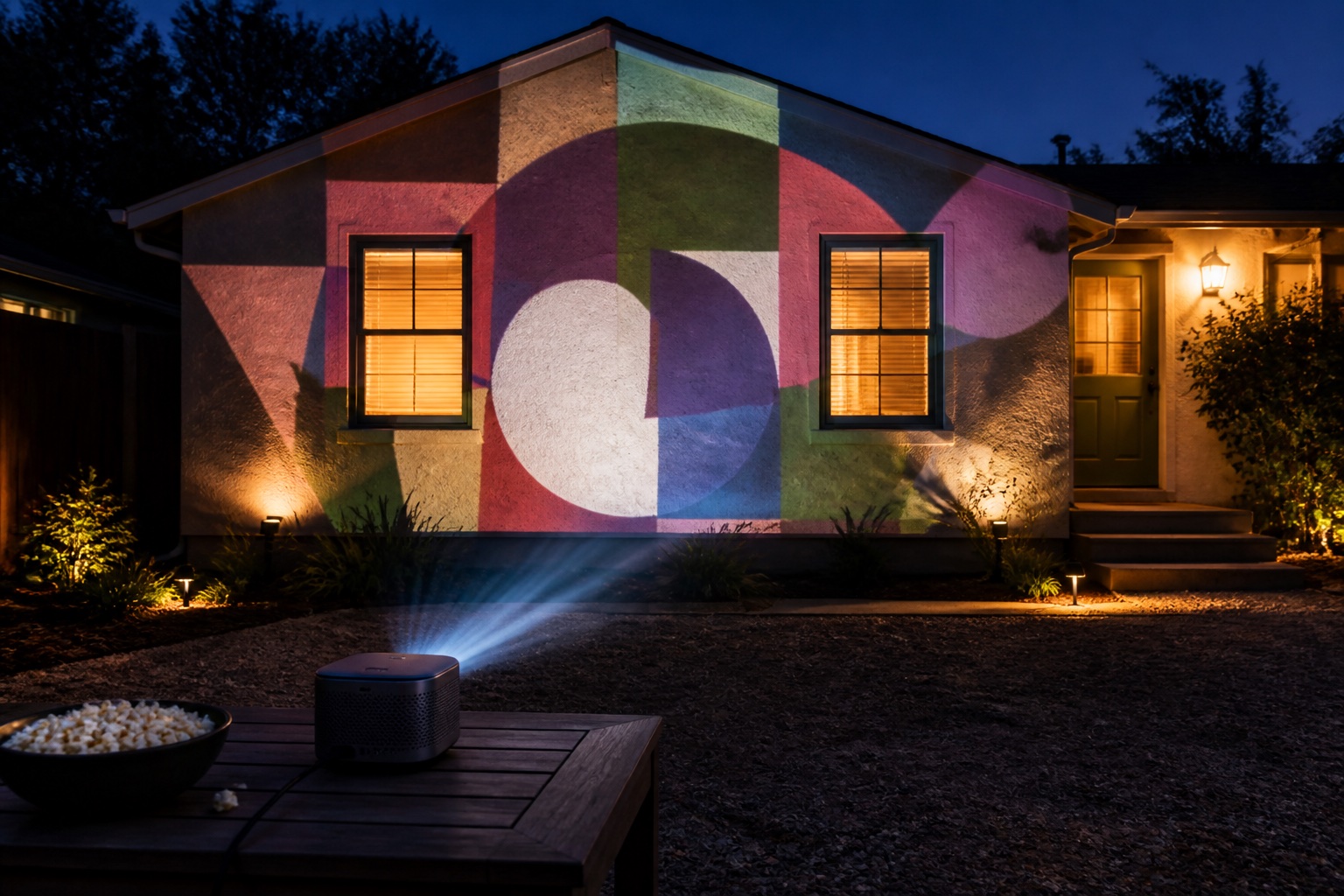
You don't need a special projection mapping projector or a kit: any projector with an HDMI input works, and the app does the warping. You don't need expensive HDMI cables for a short run at 1080p. You don't need a laptop if you map from a phone. And you don't need a projector screen for a house or garage door; the house is the screen.
Frequently asked questions
What do I need for projection mapping?
A projector, a phone, tablet or computer running a mapping app, a way to connect them (an HDMI adapter or a wireless option), a tripod or other steady stand, a surface, and darkness. Window displays add rear-projection material; outdoor displays add an outdoor-rated cord and weather protection.
Can I put a projector on a camera tripod?
Yes, if the projector has a tripod thread and the tripod is rated above its weight. The K&F Concept 64-inch tripod has a standard 1/4-inch screw and a 17.6 lb rated load, which suits small projectors such as the Nebula Capsule 3 Laser. For heavier projectors, use a sturdier stand or table.
What can I use as a window projection screen?
Rear-projection film or fabric gives the brightest image. A white shower curtain or sheer white fabric works well in a dark room, and a bedsheet works but is dimmer. Pull it taut and flip the image horizontally so it reads correctly from outside.
What adapter do I need to connect my phone to a projector?
A USB-C-to-HDMI adapter or hub for phones that output video over USB-C (iPhone 15 and later except the 16e and 17e, most Samsung Galaxy S, Note, Fold and Tab S models, Pixel 8 and later), or Apple's Lightning Digital AV Adapter for Lightning iPhones.
How do I protect a projector outside?
Shelter it from rain, sprinklers and dew with an open-sided cover that keeps the vents clear, keep it off wet ground, weigh down the stand, use an outdoor-rated cord on a GFCI outlet, and bring it inside afterwards. Never run a projector in a sealed box.
Do I need a projection mapping kit?
No. A kit is just a projector, a stand, a cable or adapter and an app, and you can buy those separately to suit your surface and phone. Many people start with a projector they already own.
Prices, availability, and specifications can change by market and date. Confirm current manufacturer documentation and the retailer listing before purchasing.
- Apple: Get help with Apple Digital AV adapters ↗
- Apple: Lightning Digital AV Adapter ↗
- Apple: Charge and connect with the USB-C connector on your iPhone ↗
- Samsung: Use Samsung DeX (compatible devices for HDMI output) ↗
- Google: Project your Pixel phone's screen ↗
- XGIMI Floor Stand Ultra: Horizon 20 series compatibility and load rating ↗
- XGIMI Horizon 20 Pro specifications ↗
- Lazy Lighting connection guide (our app) ↗
- Lazy Lighting Halloween setup guide (our app) ↗