Our recommendation
Indoors (pumpkins, boxes, windows from inside, a wall in a dark room), use the Nebula Capsule 3 Laser: it's the projector in all of the Lazy Lighting team's videos. Outdoors (garage doors and house fronts), the XGIMI Horizon 20 Pro, based on its published specs. Both run Google TV, so they connect wirelessly with Lazy Lighting Link as well as by HDMI, and both mount on a stand by a standard screw thread. Already own a projector with HDMI? Try it first.
Ownership disclosure: Find My Projector and Lazy Lighting are made by the same team. We have used the Nebula Capsule 3 Laser hands-on; the XGIMI Horizon 20 Pro recommendation is based on manufacturer specs. Product links are Amazon affiliate links.
Quick comparison
| Projector | Best for | Brightness (lumens) | Rating standard | Resolution | Throw ratio | Where to buy |
|---|---|---|---|---|---|---|
| Anker Nebula Capsule 3 Laser | Indoor: props, windows, walls | 300 | ANSI | 1920×1080 | 1.2:1 | View on Amazon ↗ |
| XGIMI Horizon 20 Pro | Outdoor: garage doors, house fronts | 4,100 | ISO | 3840×2160 (pixel-shift) | 1.2–1.5:1 | View on Amazon ↗ |
Anker Nebula Capsule 3 Laser
Used hands-on by the Lazy Lighting team
Indoor: props, windows, walls. It's in all of the Lazy Lighting team's videos. About 2.5 hours of battery, HDMI, Google TV for Lazy Lighting Link, and a tripod thread. Keep it to indoor surfaces in a dark room.
Check price & availability (paid link) ↗XGIMI Horizon 20 Pro
Specs-based pick
Outdoor: garage doors, house fronts. RGB triple laser, optical zoom, lens shift, two HDMI inputs and Google TV. Mains powered. Enough for a pale single-story front after dark.
Check price & availability (paid link) ↗How we chose: the Anker Nebula Capsule 3 Laser is the projector the Lazy Lighting team uses hands-on, including in our own videos. The other picks are based on manufacturer specifications; we have not tested them ourselves. Check current specifications and availability before buying. As an Amazon Associate we earn from qualifying purchases.
What else you need
- Tripod: K&F Concept 64" tripod. Standard 1/4-inch screw and a 17.6 lb rated load: the stand for a compact projector like the Capsule 3 Laser. A heavier projector needs a sturdier stand. Check price & availability (paid link) ↗
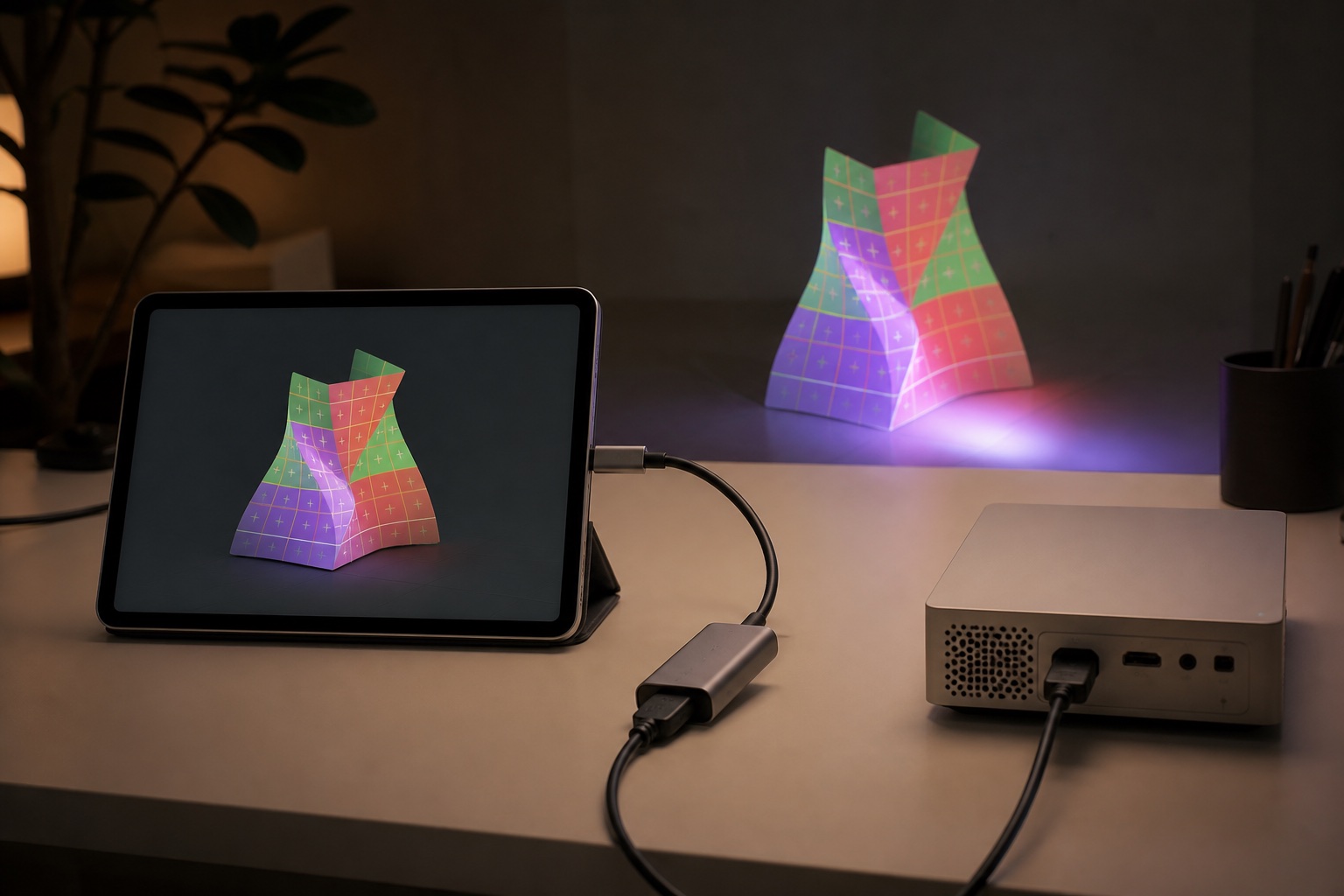
- Phone adapter (USB-C): Anker 5-in-1 USB-C hub with HDMI. For USB-C phones and iPads that support video out, with up to 85 W power delivery so the phone charges during the show. Check price & availability (paid link) ↗
- Phone adapter (Lightning): Apple Lightning Digital AV Adapter. For iPhone 14 and earlier and every iPhone SE. Up to 1080p, with a Lightning port for charging. Check price & availability (paid link) ↗
What a projector needs to work with Lazy Lighting
Lazy Lighting does the mapping on your iPhone, iPad or Android phone and sends the finished picture to the projector, so the projector doesn't need any special mapping feature. It needs a way to receive that picture, enough light for your surface, and a way to stay put. You don't need 4K, a projector sold as a projection mapping projector, or a particular brand.
The app is free to download, with a free plan that adds a watermark to the projector output; Pro unlocks everything. What to look for in the projector:
- A way in: an HDMI input for a cable from your phone's adapter, or Google TV or Android TV with the Google Play Store, so it can run the Lazy Lighting Link receiver app over Wi-Fi.
- Enough brightness for the surface: about 300+ ANSI lumens for props and windows in the dark (1,000+ if a window faces a bright street), 500–1,000 for a wall in a dim room, 2,000+ with the lights on, about 3,000+ for a garage door, and 4,000–5,000+ for a house front.
- A tripod thread or another stable mount. Once the shapes are mapped, the projector can't move.
Indoor pick: Nebula Capsule 3 Laser
This is the projector we use. It appears in all of the Lazy Lighting team's videos, and it is the only projector on this page we have used hands-on. It is small, runs about 2.5 hours on its battery, and has a tripod thread, so it goes wherever the pumpkins or the window are. Its 1.2:1 lens makes an image about 5 ft wide from 6 ft away.
At 300 ANSI lumens it is an indoor, after-dark projector: props, boxes, a window seen from the street, or a wall in a dark room. It won't light a garage door. The current listing runs Google TV (earlier units shipped with Android TV 11); both include the Play Store, so Lazy Lighting Link works either way, and it also has an HDMI input for a cable. Put it on a tripod such as the K&F Concept 64-inch, which has a standard 1/4-inch screw and a 17.6 lb rated load.
Outdoor pick: XGIMI Horizon 20 Pro
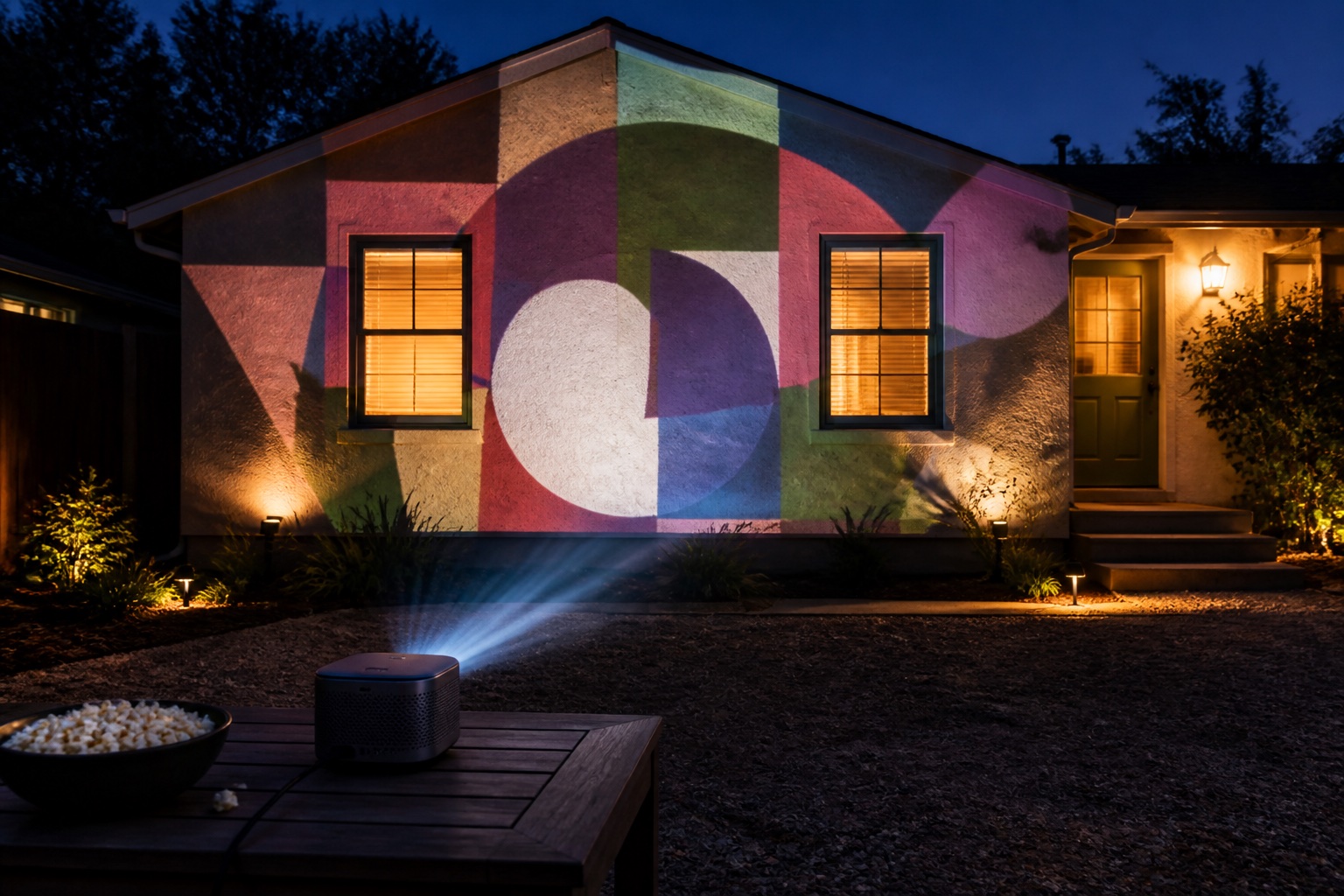
For a garage door or a house front, brightness can't be faked. Based on XGIMI's published specs, the Horizon 20 Pro has 4,100 ISO lumens, a 1.2–1.5:1 optical zoom, lens shift so it can sit low or to one side of the driveway, two HDMI inputs and Google TV. We haven't tested one ourselves.
It is enough for a garage door and a pale single-story front after dark. For dark brick or a two-story house, map one section at a time, or step up to a 5,000+ lumen projector such as the Horizon 20 Max. It runs on mains power (up to 230 W), so plan an outdoor-rated extension cord, and it has no water-resistance rating, so shelter it on show night. At 4.9 kg it needs a sturdier stand than a travel tripod; XGIMI's Floor Stand Ultra fits the Horizon 20 series with a standard 1/4-inch screw. Our outdoor projector guide covers throw distances, power and weather in detail.
What to avoid
Most problems people bring us come from one of these:
- No HDMI input. Without HDMI you can't use a cable, and without Google TV or Android TV you can't use Lazy Lighting Link either.
- A locked-down custom operating system with no Google Play Store, common on low-cost marketplace projectors. It can't run Lazy Lighting Link. It still works over HDMI with an adapter.
- Brightness claims with no standard attached. A five-digit lumens figure with no ANSI or ISO rating is a marketing number.
- Seasonal Halloween projectors that only throw fixed patterns or slides. Many don't accept a video input, so there is nothing to map.
How to connect
There are four ways to get Lazy Lighting onto a projector, and both picks support the two most reliable. Your phone decides which cable you need: our cables and adapters guide lists which phones output video over USB-C. The Lazy Lighting connection guide has step-by-step instructions for each method:
- Cable: a USB-C-to-HDMI adapter or hub for USB-C phones that output video, or Apple's Lightning Digital AV Adapter for Lightning iPhones.
- AirPlay from iPhone or iPad to an AirPlay receiver.
- Miracast or Smart View from Android to a projector that supports it.
- Lazy Lighting Link from iPhone, iPad or Android to a Google TV or Android TV projector on the same Wi-Fi.
Already own a projector? Test it first
If your projector has an HDMI input, try it before buying anything. Make the room dark, connect your phone, and map two or three boxes. If the colors look washed out, you need more brightness or a smaller image. If you can't fit the surface from where the projector can go, it is a throw-distance problem. If it won't connect, it is usually the adapter or the phone. Buy against the problem you actually saw.
How we chose
We started from what makes Lazy Lighting easy rather than from spec-sheet rankings: a projector that also runs Google TV, so it can use Lazy Lighting Link without an adapter, mounts on a stand, and is bright enough for its job. Plenty of other projectors work over HDMI. We narrowed the list to one we use every day indoors and one with the published brightness and optics for outdoor work.
The relationship is the reason this page leads with a disclosure. We make money if you subscribe to Lazy Lighting Pro, and Find My Projector earns a commission on Amazon purchases through its links. Neither changes the advice above: test what you already own first.
Frequently asked questions
What is the best projector for the Lazy Lighting app?
Indoors, the Nebula Capsule 3 Laser, which the Lazy Lighting team uses in all of its videos. Outdoors, the XGIMI Horizon 20 Pro, based on its published specs. Both run Google TV for wireless Lazy Lighting Link and have HDMI for a cable.
Does Lazy Lighting work with any projector?
It works with any projector that has an HDMI input, using a cable from your phone's adapter, and wirelessly with projectors that support AirPlay, Miracast, or Google TV or Android TV with the Play Store for Lazy Lighting Link.
Is Lazy Lighting a projector?
No. Lazy Lighting is a projection mapping app for iPhone, iPad and Android. It works with a projector you already own or buy separately; this page explains which ones work well.
Does Lazy Lighting work on Android?
Yes. Lazy Lighting runs on iPhone, iPad and Android. Android phones that output video over USB-C can use a USB-C-to-HDMI cable, and any of them can use Miracast or Smart View where supported, or Lazy Lighting Link on a Google TV projector.
Is Lazy Lighting free?
Lazy Lighting is free to download, and the free plan lets you map with a watermark on the projector output. Pro unlocks everything.
Can I use Lazy Lighting without a cable?
Yes. Use AirPlay from iPhone or iPad, Miracast or Smart View from Android, or Lazy Lighting Link to a Google TV or Android TV projector. A cable is still the most reliable option for a long show.
Do I need a 4K projector for Lazy Lighting?
No. Brightness for your surface, a throw that fits your space, and a stable mount matter far more. Our indoor pick is 1080p.
Prices, availability, and specifications can change by market and date. Confirm current manufacturer documentation and the retailer listing before purchasing.