Our recommendation
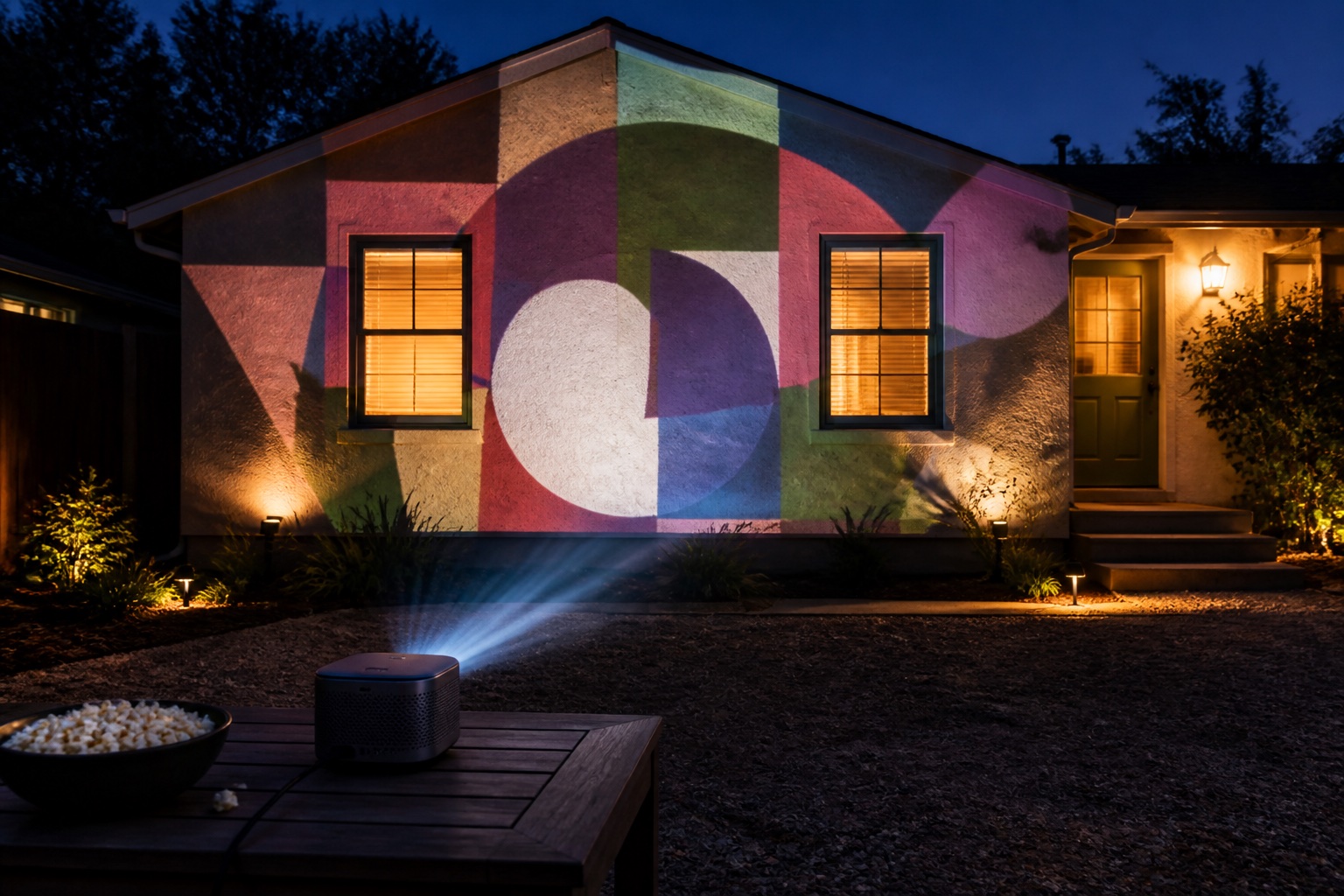
The XGIMI Horizon 20 Pro is our pick for mapping a house front, based on XGIMI's published specs: 4,100 ISO lumens, a 1.2–1.5:1 optical zoom with lens shift, and Google TV. It suits a garage door or a light-colored single-story front after full darkness. Dark brick, a second story, or a front wider than about 22 ft (6.6 m) is beyond it: map one section, or step up to a 5,000+ lumen projector such as the Horizon 20 Max. Windows and porch props only need a small projector like the Anker Nebula Capsule 3 Laser.
Quick comparison
| Projector | Best for | Brightness (lumens) | Rating standard | Resolution | Throw ratio | Where to buy |
|---|---|---|---|---|---|---|
| XGIMI Horizon 20 Pro | House fronts and garage doors | 4,100 | ISO | 3840×2160 (pixel-shift) | 1.2–1.5:1 | View on Amazon ↗ |
| XGIMI HORIZON 20 Max | Brick, two stories, or more light | 5,700 | ISO | 3840×2160 (pixel-shift) | 1.2–1.5:1 | View on Amazon ↗ |
| Anker Nebula Capsule 3 Laser | Windows and porch props | 300 | ANSI | 1920×1080 | 1.2:1 | View on Amazon ↗ |
XGIMI Horizon 20 Pro
Specs-based pick
House fronts and garage doors. RGB triple laser, optical zoom, lens shift (±120% vertical, ±45% horizontal), two HDMI inputs and Google TV. Enough for a pale single-story front or a double garage door after dark. Mains powered, up to 230 W.
Check price & availability (paid link) ↗XGIMI HORIZON 20 Max
Specs-based pick
Brick, two stories, or more light. The same lens, lens shift and 40–300-inch image range as the Pro with nearly 40% more rated light, so every throw distance below still applies. Mains powered, up to 280 W, 5.4 kg.
Check price & availability (paid link) ↗Anker Nebula Capsule 3 Laser
Used hands-on by the Lazy Lighting team
Windows and porch props. It's the projector in all of the Lazy Lighting team's videos. A roughly 2.5-hour battery and tripod thread suit a window projected from inside or props in the dark. It is far too dim for the house itself. Disclosure: we make Lazy Lighting.
Check price & availability (paid link) ↗How we chose: the Anker Nebula Capsule 3 Laser is the projector the Lazy Lighting team uses hands-on, including in our own videos. The other picks are based on manufacturer specifications; we have not tested them ourselves. Check current specifications and availability before buying. As an Amazon Associate we earn from qualifying purchases.
What else you need
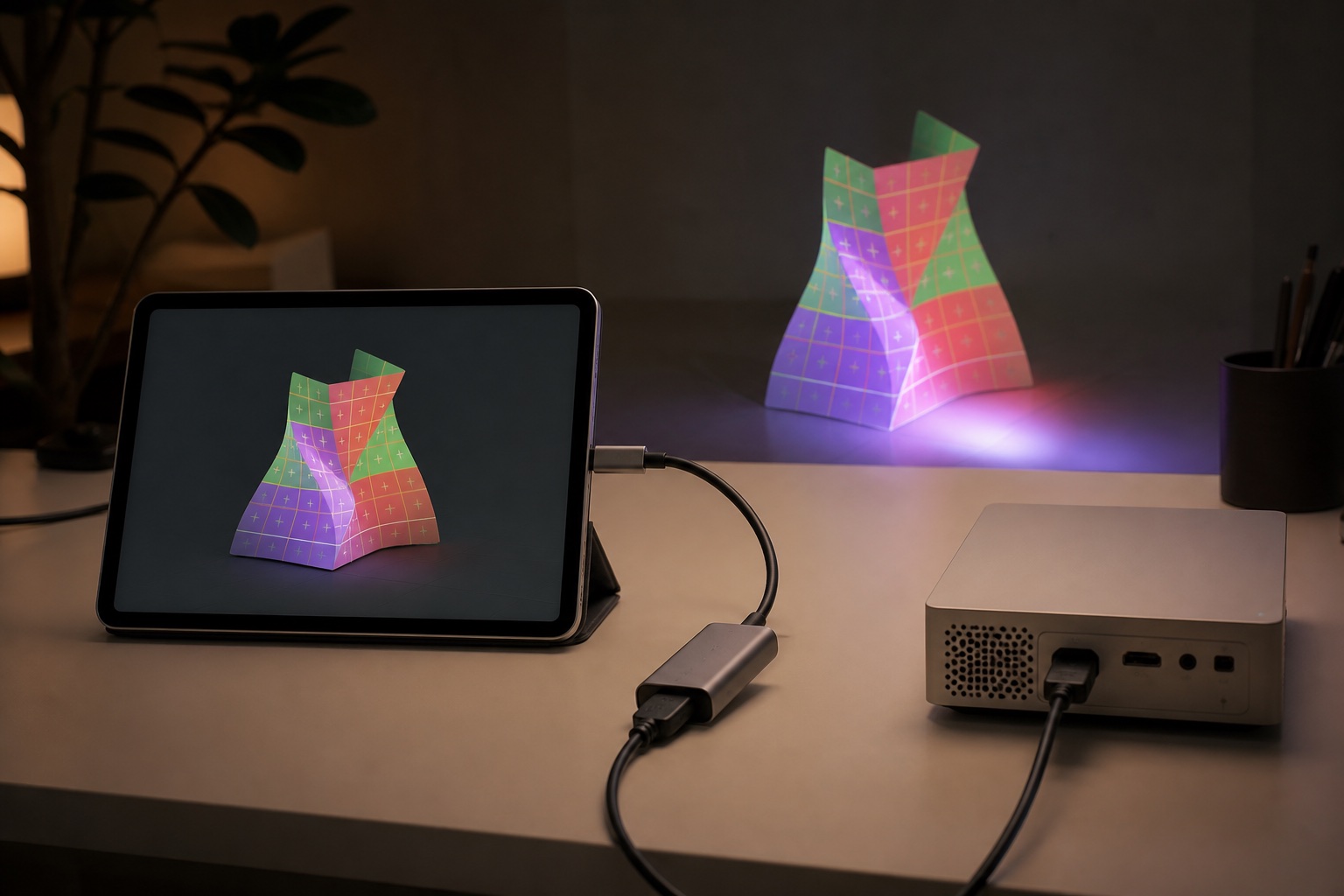
- Phone adapter (USB-C): Anker 5-in-1 USB-C hub with HDMI. Wires a USB-C phone or tablet that supports video out to the projector's HDMI input. Anker lists up to 85 W power delivery, so the phone can charge through the hub all evening. Check price & availability (paid link) ↗
- Phone adapter (Lightning): Apple Lightning Digital AV Adapter. For iPhone 14 and earlier and every iPhone SE. Outputs up to 1080p and has a Lightning port for charging while connected. Check price & availability (paid link) ↗
Why the Horizon 20 Pro is our house-front pick
A house front is the hardest common mapping surface. It's big, it competes with porch lights and streetlights, and the projector has to sit out in the yard. Based on XGIMI's published specifications, the Horizon 20 Pro covers the three things that matter most for that job. It is rated at 4,100 ISO lumens (ISO 21118, measured much like ANSI lumens). Its 1.2–1.5:1 optical zoom lets you fill the surface without finding one exact spot on the lawn. And its lens shift, which XGIMI lists as ±120% vertical and ±45% horizontal, lets it sit low or off to one side of the driveway without digital keystone, which throws away pixels and light.
It also runs Google TV, which matters if you map from a phone: a Google TV projector can run receiver apps from the Play Store, so the phone can connect over Wi-Fi instead of trailing an HDMI cable across the lawn. Its two HDMI inputs cover the wired route.
We have not tested a Horizon 20 Pro ourselves; everything here comes from XGIMI's spec sheet. One detail worth knowing: XGIMI lists 3840 × 2160 on a 0.47-inch DMD, which means 4K by pixel shifting rather than a native 4K chip. That's fine for house mapping, where brightness and contrast matter far more than resolution at street distance.
Is it bright enough for your house?
Projector light spreads across the image, so the answer depends on what you are lighting. At 4,100 ISO lumens, the Horizon 20 Pro is comfortable on a garage door and at the low end of the range for a whole house front. Expect a good result on a light-colored, single-story front with the porch lights off. Expect a disappointing one if you stretch it across dark brick or two stories: brick absorbs light, and a second story roughly doubles the area, which halves the light reaching every square foot.
Rough targets after full darkness:
- Windows projected from inside, and porch props: about 300+ ANSI lumens (1,000+ if the window faces a bright street or you start at dusk)
- Garage door or a single outside wall: about 3,000+
- Pale single-story house front: 4,000–5,000+
- Dark brick or a two-story front: more than one 4,000-lumen projector can convincingly light
When even the Horizon 20 Pro isn't enough
If you need the whole surface lit, step up rather than stretch. The Horizon 20 Max is rated at 5,700 ISO lumens with the same 1.2–1.5:1 lens, lens shift and 40–300-inch image range, so every distance in this guide still applies. Beyond that, two projectors each covering a section, or a rented 5,000+ lumen installation projector, are the realistic routes for a large facade. Two projectors also mean twice the alignment, power and weather protection.
To keep a single Horizon 20 Pro, change the plan to suit the house:
- Dark brick or stone: map the brightest section, such as the garage door, the area around the front door, or a pale gable, and leave the rest dark.
- Two stories: map one story or one vertical section rather than the whole front.
- A front wider than about 22 ft (6.6 m): that is past the largest image XGIMI lists (300 inches diagonal), so one projector can't cover it at any brightness.
Throw distance: how far back it sits
Throw distance is image width × throw ratio, measured from the lens to the wall. With a 1.2–1.5:1 zoom, the Horizon 20 Pro needs 1.2 to 1.5 feet of distance for every foot of image width. For tall surfaces such as a single garage door, size the image to the height: a 16:9 picture is only 56% as tall as it is wide, and you mask off the sides in the mapping app.
Add room behind the lens for the projector, cables and stand, and keep it off the sidewalk and out of the street. Our throw-distance calculator does the same math for any projector, and the throw-distance guide has a chart for windows, walls and props. For the Horizon 20 Pro:
| Surface (typical size) | Image width to plan for (ft / m) | Lens distance at 1.2–1.5:1 (ft / m) | Brightness after dark (lumens) |
|---|---|---|---|
| Single garage door, 8 × 7 ft | 12.4 ft / 3.8 m (fills the height) | 14.9–18.7 ft / 4.6–5.7 m | 3,000+ |
| Double garage door, 16 × 7 ft | 16 ft / 4.9 m | 19.2–24 ft / 5.9–7.3 m | 3,000+ |
| Largest listed image, 300 in | 21.8 ft / 6.6 m | 26–33 ft / 8–10 m | 4,000–5,000+ for a house front |
| House front, 33 ft / 10 m wide | Beyond the 300 in maximum | Map a section | 4,000–5,000+ |
Power: plan the cord before the projector
The Horizon 20 Pro runs on mains power only; XGIMI lists consumption of up to 230 W (280 W for the Max). That is roughly 2 amps at 120 V, so cord capacity isn't the problem. Safety is:
- Use an outdoor-rated extension cord. In the US, the jacket rating includes a W, such as SJTW.
- Plug into a GFCI-protected outlet.
- Keep plugs and connections off wet ground, ideally inside a covered connection box.
- Route cords where nobody walks, or cover the crossing with a cable protector.
- Keep the phone charging too, through a USB-C hub with power pass-through or the charging port on Apple's Lightning adapter. Our cables and adapters guide covers which phones can output video.
Weather, wind and condensation
XGIMI lists an operating range of 32–104°F (0–40°C) and no water-resistance rating, so treat the Horizon 20 Pro as indoor electronics that you use outside on dry nights. Halloween evenings are usually inside that range; plenty of December nights are not.
Shelter it from rain, sprinklers and dew with an open-sided cover that leaves the vents clear, keep it off damp ground, and never run it in a sealed box: a projector that can't exhaust heat will throttle or shut down. Bring it inside afterwards, and let a cold projector warm up before you power it on, because condensation forms when cold electronics meet warm, humid air.
At 4.9 kg (10.8 lb), it is top-heavy on a lightweight photo tripod in a breeze. Use a sturdy table or platform, or a stand rated well above its weight. XGIMI's Floor Stand Ultra attaches with a standard 1/4-inch screw, lists the Horizon 20 series as compatible, and is rated to 10 kg. Whatever you use, weigh it down and mark its feet so it goes back in the same place tomorrow.
Placement checklist for show night
Set up before dusk, but only judge brightness once it is fully dark: an image that looks weak at twilight can look strong an hour later.
- Place and focus the projector, then switch off automatic keystone and focus adjustments in its settings. XGIMI advertises uninterrupted auto keystone, which can reshape the image under your mapped shapes.
- Use optical zoom and lens shift to land the image, not digital keystone.
- Mask light away from the road and from neighbors' windows.
- Turn off porch and garage lights that fall on the mapped surface.
- Watch the whole loop from the sidewalk, where the display is actually seen.
Windows and props: a small projector's job
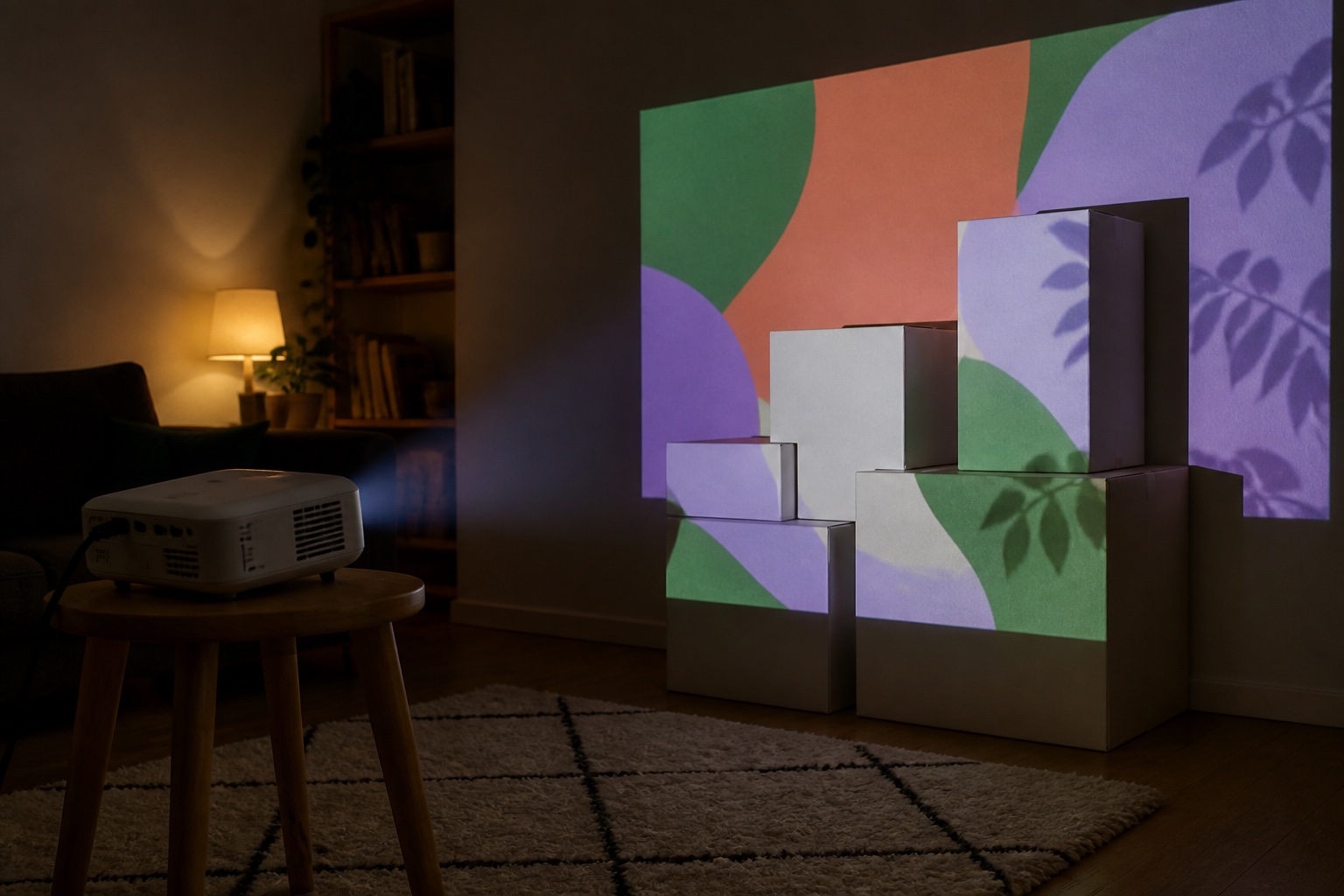
Not every part of a house display needs 4,000 lumens. A window projected from inside the house needs about 300+ ANSI lumens in a dark room, and the projector stays warm and dry. The Nebula Capsule 3 Laser (300 ANSI lumens, 1.2:1 throw, about 2.5 hours of battery, tripod thread) is the one we use, and Lazy Lighting's Halloween setup guide covers hanging the fabric and mapping the window. A bright projector on the garage door plus a small one in an upstairs window is a common, effective combination.
Frequently asked questions
What is the best outdoor projector for house mapping?
Our pick is the XGIMI Horizon 20 Pro, based on its published specs: 4,100 ISO lumens, a 1.2–1.5:1 optical zoom, lens shift and Google TV. It suits a garage door or a pale single-story house front after dark. For dark brick or two stories, map a section or step up to a 5,000+ lumen projector such as the Horizon 20 Max.
How many lumens do I need to project on a house?
After full darkness, plan on about 3,000+ ANSI or ISO lumens for a garage door and 4,000–5,000+ for a pale single-story house front. Dark brick, two stories or nearby streetlights need more light, or a smaller mapped section.
How far should the projector be from the garage door?
Distance = image width × throw ratio. With the Horizon 20 Pro's 1.2–1.5:1 zoom, filling the height of an 8 × 7 ft single door takes about 15–19 ft (4.6–5.7 m) of throw; a 16 ft double door takes about 19–24 ft (5.9–7.3 m).
Can a projector be used outside?
Yes, after dark and on dry nights, if you protect it. Most home projectors, including the Horizon 20 Pro, have no water-resistance rating. Shelter it without blocking the vents, keep it off wet ground, use an outdoor-rated cord on a GFCI outlet, and bring it inside afterwards.
Is the XGIMI Horizon 20 Pro waterproof?
XGIMI's spec page lists no water-resistance rating and an operating range of 32–104°F (0–40°C). Treat it as indoor electronics: keep it away from rain, sprinklers and dew, and don't run it below freezing.
Can one projector cover a two-story house?
Rarely convincingly with a 4,000-lumen projector. A second story roughly doubles the area, which halves the light per square foot. Map one story or one section, or use a brighter projector or two projectors.
Do I need a 4K projector for house mapping?
No. At street distance, brightness and contrast matter far more than resolution. The Horizon 20 Pro's 4K comes from pixel shifting on a 0.47-inch DMD rather than a native 4K chip, and that is fine for this job.
Prices, availability, and specifications can change by market and date. Confirm current manufacturer documentation and the retailer listing before purchasing.