Our recommendation
Image width ≈ distance ÷ throw ratio, and distance ≈ image width × throw ratio. A 1.2:1 projector such as the Nebula Capsule 3 Laser makes an image about 5 ft wide from 6 ft away. For tall surfaces like garage doors and windows, size the image to the height rather than the width. Then check the numbers in our throw-distance calculator and leave room behind the lens for the projector, cables and stand.
Quick comparison
| Projector | Best for | Brightness (lumens) | Rating standard | Resolution | Throw ratio | Where to buy |
|---|---|---|---|---|---|---|
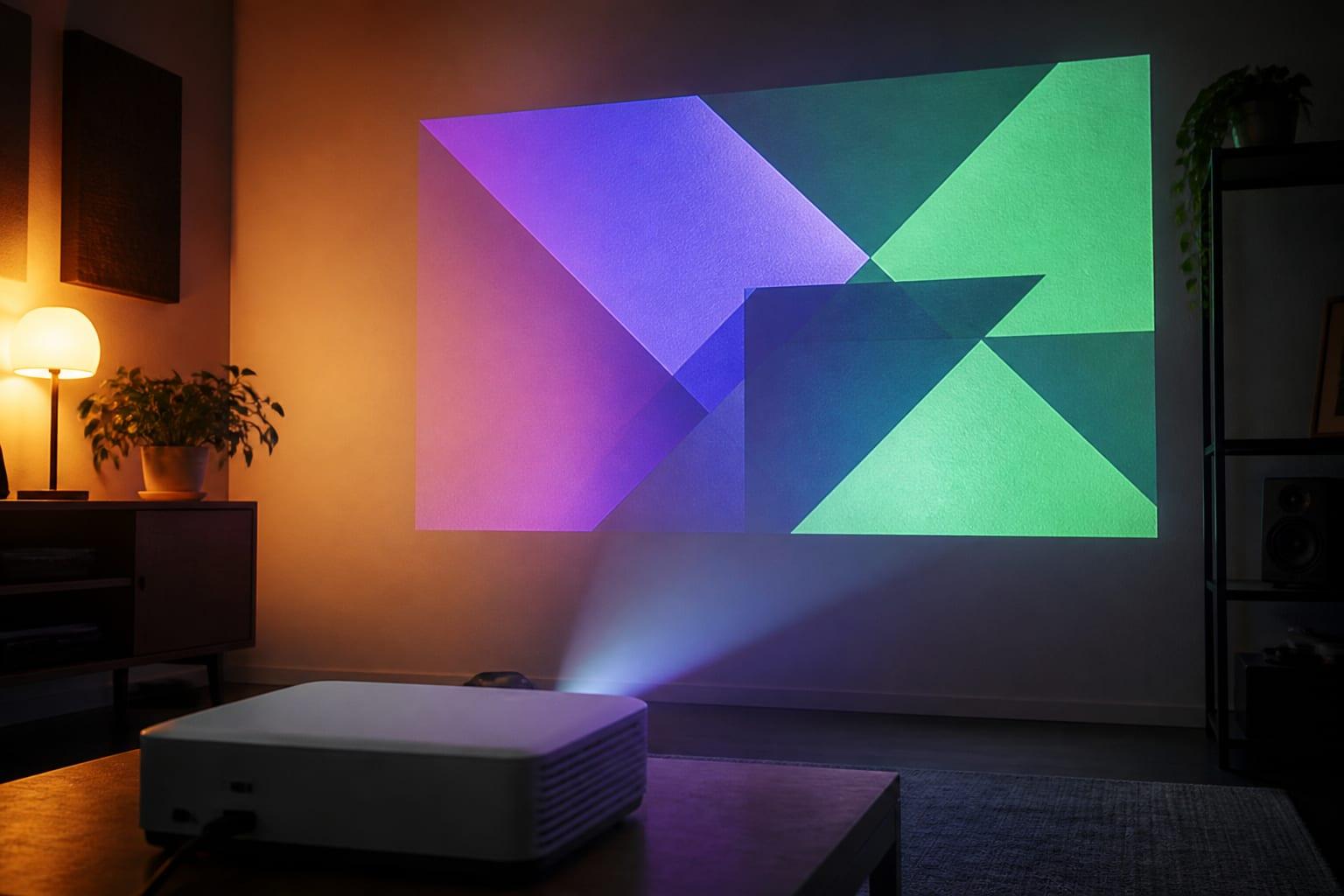
| Anker Nebula Capsule 3 Laser | Indoor example: fixed lens | 300 | ANSI | 1920×1080 | 1.2:1 | View on Amazon ↗ |
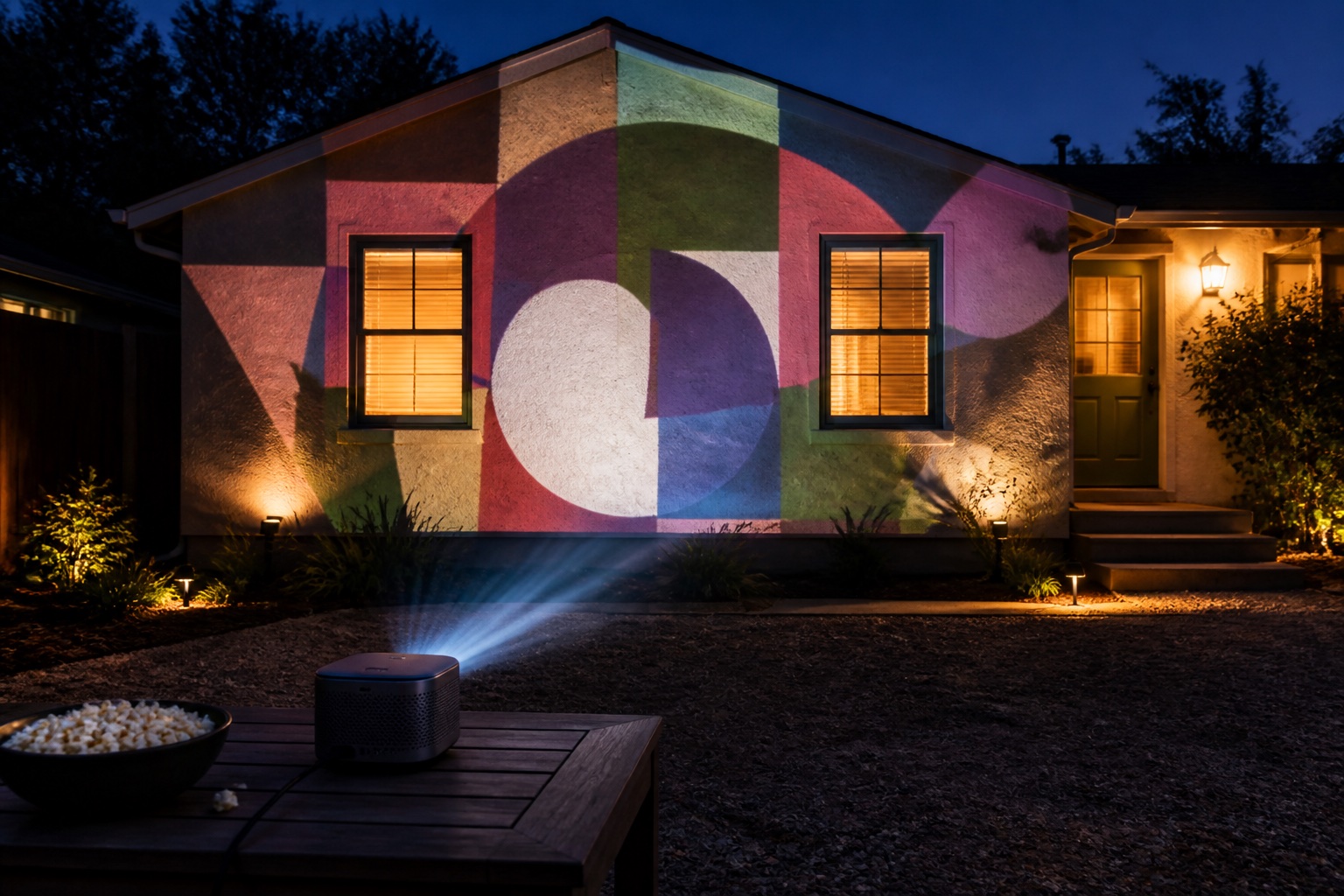
| XGIMI Horizon 20 Pro | Outdoor example: optical zoom | 4,100 | ISO | 3840×2160 (pixel-shift) | 1.2–1.5:1 | View on Amazon ↗ |
Anker Nebula Capsule 3 Laser
Used hands-on by the Lazy Lighting team
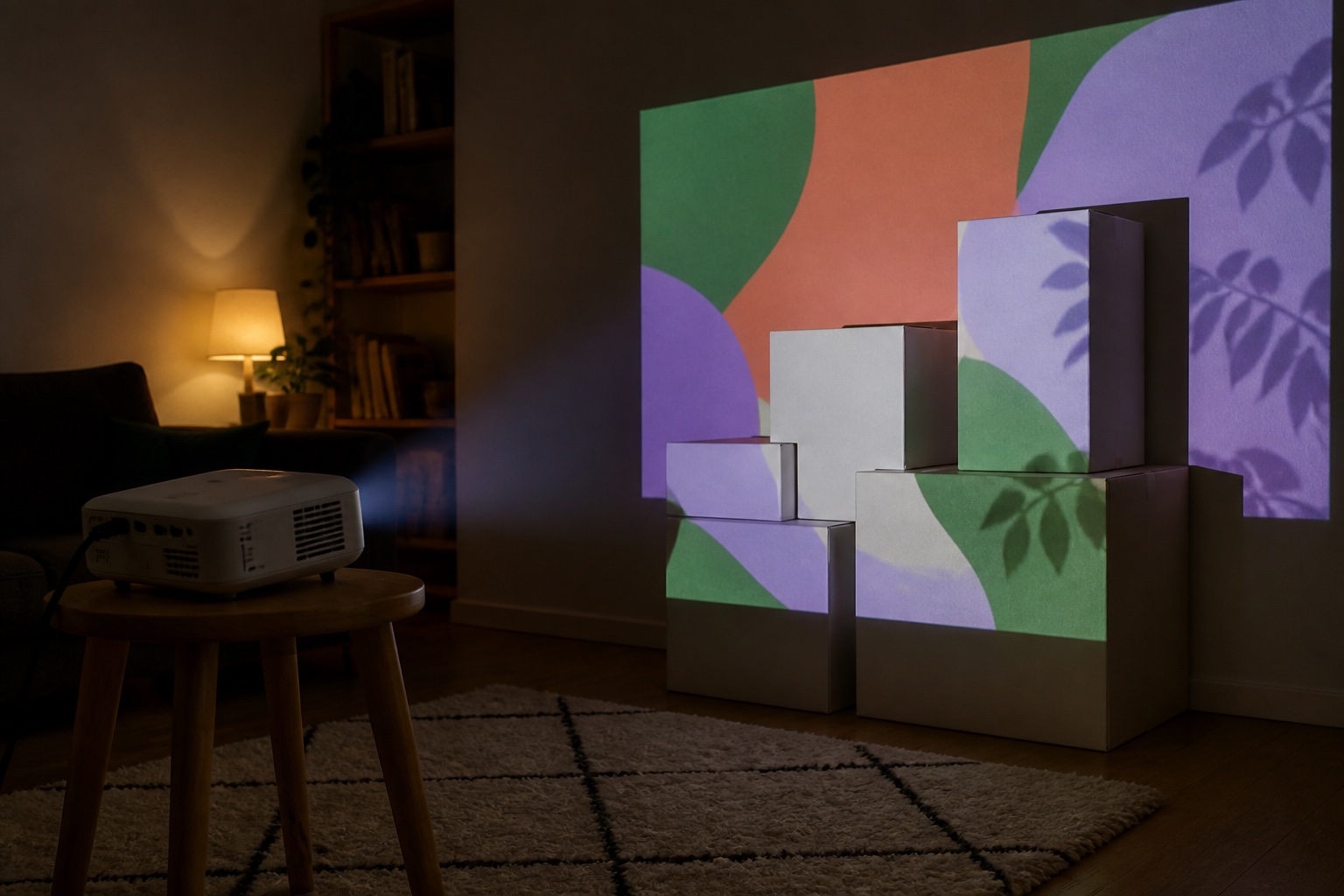
Indoor example: fixed lens. A fixed lens means one simple calculation: image width is distance ÷ 1.2. Battery powered with a tripod thread, for props, windows and walls in a dark room.
Check price & availability (paid link) ↗XGIMI Horizon 20 Pro
Specs-based pick
Outdoor example: optical zoom. The zoom turns every answer into a range, and lens shift moves the image without moving the projector, which makes garage doors and house fronts easier to hit from the driveway.
Check price & availability (paid link) ↗How we chose: the Anker Nebula Capsule 3 Laser is the projector the Lazy Lighting team uses hands-on, including in our own videos. The other picks are based on manufacturer specifications; we have not tested them ourselves. Check current specifications and availability before buying. As an Amazon Associate we earn from qualifying purchases.
The throw-distance formula
Throw ratio is the distance from the lens to the surface divided by the width of the image. A 1.2:1 projector needs 1.2 feet of distance for each foot of image width, or 1.2 m per meter; the units don't matter as long as they match.
A projector with optical zoom has a range, such as 1.2–1.5:1, so you get two answers. The low number gives the biggest image from a given spot, the high number the smallest. A fixed lens has a single ratio, so the only way to change the image size is to move the projector. Rearranged, the formula gives you three tools:
- Image width ≈ throw distance ÷ throw ratio
- Throw distance ≈ image width × throw ratio
- Throw ratio = throw distance ÷ image width
Worked example: Nebula Capsule 3 Laser (1.2:1)
The Capsule 3 Laser has a fixed 1.2:1 lens. We have used it hands-on: it's the projector in all of the Lazy Lighting team's videos. Disclosure: we make Lazy Lighting.
Soundcore lists images up to 120 inches (about 8.7 ft / 2.7 m wide), but at 300 ANSI lumens you'll want to stay well below that unless the room is completely dark. If your room is too shallow for the window example, fill the window's width instead and let the content sit smaller. Three typical setups:
- A 3 ft (0.9 m) wide group of boxes: 3 × 1.2 = 3.6 ft (1.1 m) from lens to boxes.
- A tripod 10 ft (3 m) from the wall: 10 ÷ 1.2 ≈ 8.3 ft (2.5 m) wide.
- A 3 × 4 ft window projected from inside and filled top to bottom: the image must be about 7.1 ft (2.2 m) wide to be 4 ft tall, so the lens sits about 8.5 ft (2.6 m) back in the room.
Worked example: XGIMI Horizon 20 Pro (1.2–1.5:1)
The Horizon 20 Pro, our outdoor pick based on XGIMI's specs, has a 1.2–1.5:1 optical zoom, so every answer is a range.
XGIMI also lists lens shift of ±120% vertical and ±45% horizontal. Lens shift moves the image up, down or sideways without moving the projector or using digital keystone, which is how you set the projector low at the edge of the driveway and still land the image squarely on the house. XGIMI's published image range is 40–300 inches, so don't plan on an image narrower than about 2.9 ft (0.9 m) or wider than about 21.8 ft (6.6 m). Three typical setups:
- Projector on the driveway 20 ft (6.1 m) from the garage: 20 ÷ 1.5 ≈ 13.3 ft to 20 ÷ 1.2 ≈ 16.7 ft wide (4.1–5.1 m). At the wide end of the zoom, that covers a 16 ft double door.
- A 16 ft (4.9 m) double garage door: 16 × 1.2 = 19.2 ft to 16 × 1.5 = 24 ft (5.9–7.3 m) back.
- The largest image XGIMI lists, 300 inches (about 21.8 ft / 6.6 m wide): 26–33 ft (8–10 m) back.
Short throw vs standard throw
Short throw helps when people would otherwise walk through the beam, as with props on a porch, or when a yard or room is shallow. The trade-off is that small placement errors show up bigger and deep objects drift out of focus sooner. Ultra-short throw (UST) is designed for flat walls; anything that sticks out from the surface casts long shadows. If you have the room, standard throw is the more forgiving choice for mapping, and it lets the projector sit behind the audience.
Standard-throw projectors sit around 1.2–1.5:1. Short-throw models are roughly 0.5–0.8:1 and UST projectors around 0.2–0.25:1, though manufacturers draw the lines differently. For an 8 ft (2.4 m) wide image:
| Lens type | Throw ratio | Lens distance (ft / m) |
|---|---|---|
| Standard throw | 1.2:1 | 9.6 ft / 2.9 m |
| Short throw | 0.5:1 | 4 ft / 1.2 m |
| Ultra-short throw | 0.25:1 | 2 ft / 0.6 m |
Throw distance chart for common mapping surfaces
Distances are lens to surface for a 16:9 image, using the Nebula Capsule 3 Laser (1.2:1) and the XGIMI Horizon 20 Pro (1.2–1.5:1). Brightness is roughly what each surface needs after dark.
| Surface (typical size) | Image width to plan for (ft / m) | Nebula Capsule 3 Laser, 1.2:1 (ft / m) | XGIMI Horizon 20 Pro, 1.2–1.5:1 (ft / m) | Brightness after dark (lumens) |
|---|---|---|---|---|
| Box or prop on a shelf | 2 ft / 0.6 m | 2.4 ft / 0.7 m | Below its 40 in minimum: 2.9 ft / 0.9 m image from 3.5–4.4 ft / 1.1–1.3 m | 300+ ANSI |
| Window from inside, 3 × 4 ft (0.9 × 1.2 m) | 7.1 ft / 2.2 m (fills the height) | 8.5 ft / 2.6 m | 8.5–10.7 ft / 2.6–3.3 m | 300+ (1,000+ facing a bright street) |
| Indoor wall section | 6 ft / 1.8 m | 7.2 ft / 2.2 m | 7.2–9 ft / 2.2–2.7 m | 500–1,000 dim room; 2,000+ lights on |
| Single garage door, 8 × 7 ft (2.4 × 2.1 m) | 12.4 ft / 3.8 m (fills the height) | Not suitable | 14.9–18.7 ft / 4.6–5.7 m | 3,000+ |
| Double garage door, 16 × 7 ft (4.9 × 2.1 m) | 16 ft / 4.9 m | Not suitable | 19.2–24 ft / 5.9–7.3 m | 3,000+ |
| House front, 33 ft / 10 m wide | Section up to 21.8 ft / 6.6 m | Not suitable | 26–33 ft / 8–10 m for the largest image | 4,000–5,000+ |
Tall surfaces: size the image to the height
Projectors output a 16:9 rectangle, which is only 56% as tall as it is wide. A single garage door, at about 8 × 7 ft, is nearly square, so an 8 ft wide image is only 4.5 ft tall and leaves the top and bottom of the door dark. To fill the height you need an image about 12.4 ft wide, then you mask off the sides in the mapping app. Windows, front doors and columns work the same way.
Wide surfaces go the other way. On a 16 × 7 ft double garage door, size to the width: a 16 ft wide image is 9 ft tall, and you mask the strips above and below the door.
Measure from the lens, then leave room
Measure from the front of the lens to the main surface, not from the back of the projector, then add the projector's depth, cable clearance and space for the stand. For 3D objects, choose one reference plane: faces nearer the lens catch a smaller slice of the image and may focus differently from faces farther back.
You don't need a perfectly square setup for mapping. The mapping app warps each shape to fit, so a projector that's tilted or off to one side is fine as long as its rectangle covers the whole surface. That is also why you should switch off automatic keystone once the projector is placed: if it re-corrects later, every mapped shape moves.
Check it with the calculator
Our throw-distance calculator runs the same math in feet or meters. Its standard-throw preset (1.20–1.50:1) matches the Horizon 20 Pro; for the Capsule 3 Laser, enter a custom ratio of 1.2 as both the minimum and maximum. Treat the result as a plan, then confirm it with a test projection from the real spot before you fix anything in place. For how bright each surface needs to be, see our lumens guide.
Frequently asked questions
What is the projector throw distance formula?
Throw distance ≈ image width × throw ratio, and image width ≈ throw distance ÷ throw ratio. A 1.2:1 projector makes an image about 5 ft wide from 6 ft away, or needs 6 ft of distance for a 5 ft wide image.
What does throw ratio mean?
Throw ratio is the lens-to-surface distance divided by the image width. A 1.2:1 ratio means 1.2 units of distance for every unit of width. A zoom lens has a range, such as 1.2–1.5:1.
How far should a projector be from a garage door?
It depends on the throw ratio and on sizing the image to the door's height. With a 1.2–1.5:1 projector such as the XGIMI Horizon 20 Pro, an 8 × 7 ft single door needs about 15–19 ft (4.6–5.7 m); a 16 ft double door about 19–24 ft (5.9–7.3 m).
What throw ratio counts as short throw?
Roughly 0.5–0.8:1, though manufacturers draw the line differently. Standard throw is around 1.2–1.5:1 and ultra-short throw around 0.2–0.25:1.
Where is projector throw distance measured from?
From the front of the lens to the projection surface. Add the projector's depth, cables and stand to work out the space it really needs.
Does keystone correction change throw distance?
No. Digital keystone reshapes the image inside the projector but doesn't change how big the lens throws it, and heavy correction costs resolution. For mapping, turn automatic keystone off and let the mapping app warp each shape.
Prices, availability, and specifications can change by market and date. Confirm current manufacturer documentation and the retailer listing before purchasing.