Our recommendation
Lazy Lighting
For approachable maps built and run from an iPhone, iPad or Android device, Lazy Lighting is our mobile pick. MadMapper is the stronger choice when a Mac or Windows computer is the center of a dedicated mapping workflow; Resolume Arena wins when clip triggering, live music, multiple outputs, and VJ performance matter as much as geometry.
Visit the official Lazy Lighting site ↗Ownership disclosure: the team behind Find My Projector also created Lazy Lighting, so we separate platform facts from our editorial judgment and link every competing app directly.
Projection mapping app comparison
| App | Best for | Platforms | Price model |
|---|---|---|---|
| Lazy Lighting | Best mobile projection mapping app | iPhone, iPad and Android | Free to download (watermarked free plan); Pro monthly, annual or lifetime |
| MadMapper 6 | Best dedicated mapper for Mac and Windows | macOS and Windows | Free trial; rental or perpetual license |
| Resolume Arena | Best for professional VJing and live performance | macOS and Windows | Unlimited demo with watermark; paid license |
| TouchDesigner | Best for interactive and generative systems | Windows and macOS | Free non-commercial tier; paid licenses |
| MapMap | Best free open-source starting point | macOS, Windows, and Linux | Free and open source |
| QLab | Best companion for theater cue playback | macOS | Free feature tier; paid video features |
Best mobile projection mapping app
Lazy Lighting
Lazy Lighting makes the most sense when portability and touch control are the point. You can stand beside the projected object, drag each shape's corners on your phone while you watch the projection, build layered scenes, and output from the same device instead of carrying a laptop into a living room or driveway. It is free to download with a watermarked free plan; Pro removes the watermark and adds project saving, every visual and effect, audio-reactive visuals, MIDI, live camera input and video export.
- Touch-first mapping on iPhone, iPad and Android
- Built-in Halloween and Christmas scenes for home holiday projects
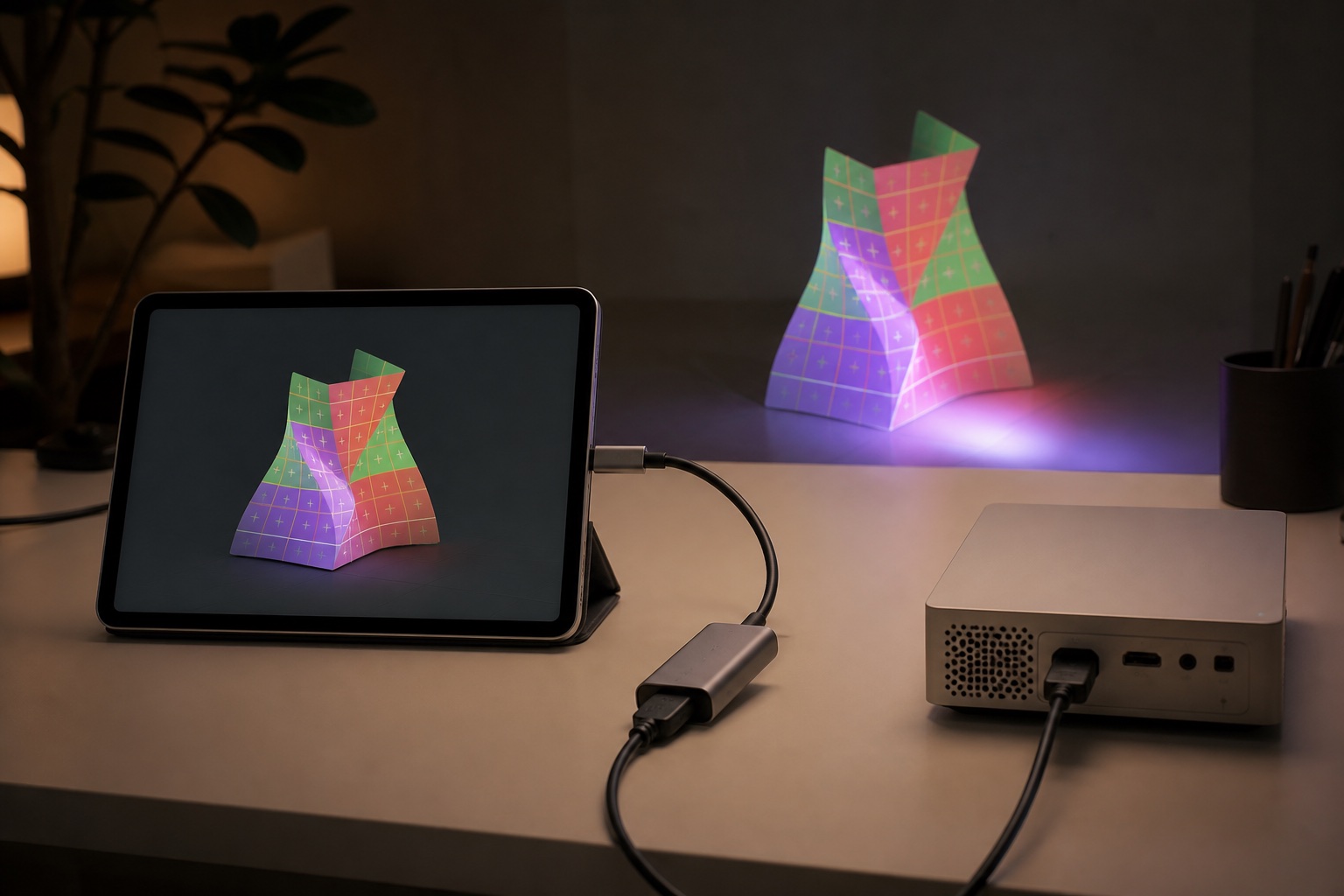
- Connects by USB-C or Lightning to HDMI, AirPlay, Miracast or Smart View, or the Lazy Lighting Link app on Google TV projectors
- Not a multi-projector media server
- Professional DMX, edge blending, and touring-show workflows belong on desktop
Best dedicated mapper for Mac and Windows
MadMapper 6
MadMapper is the clearest desktop recommendation when projection mapping itself is the job. Its surface workflow, masks, materials, cues, LED and DMX support, and high-resolution multi-output tools scale from an art project to a serious installation without turning the application into a general-purpose programming environment.
- Purpose-built mapping interface with advanced surface controls
- Video, LED, laser, DMX, cues, and multiple outputs
- Free trial exposes the complete feature set with output limitations
- Requires a capable computer and a place to operate it
- More setup and cost than a small mobile project needs
- Complex shows still require disciplined media and output planning
Best for professional VJing and live performance
Resolume Arena
Resolume Arena is our performance pick because it begins with live clip playback, effects, controllers, and show operation, then adds projection mapping, edge blending, DMX, timecode, and multi-screen tools. If the operator is performing visuals to music in real time, this orientation is an advantage.
- Fast clip triggering, effects, MIDI and OSC control
- Arena includes mapping, edge blending, DMX and timecode
- Strong multi-screen and capture-card ecosystem
- Arena—not Avenue—is required for projection mapping
- Hardware requirements rise quickly with layers, codecs, and outputs
- A dedicated mapper can feel faster for a static one-projector installation
Best for interactive and generative systems
TouchDesigner
TouchDesigner is a visual development environment rather than a simple mapping utility. It is exceptional when cameras, sensors, data, procedural graphics, or custom logic drive the projection, but it asks the operator to design the system as well as align it.
- Deep real-time generative graphics and interaction
- Extensive input, protocol, and hardware integration
- Can become the complete visual system for a custom installation
- Steep learning curve
- Overkill for corner-pinning a few boxes
- Mapping workflow is only one part of a much larger environment
Best free open-source starting point
MapMap
MapMap remains useful as a no-cost introduction to surfaces and media assignment. Its value is educational and experimental: it demonstrates the mapping model without a subscription, although users should check current build compatibility before relying on it for an event.
- Free and open source
- Basic surface mapping without a commercial license
- Runs across the three major desktop operating systems
- Development and OS compatibility can lag commercial software
- Limited support and advanced show-control features
- Test stability on the exact computer before an audience arrives
Best companion for theater cue playback
QLab
QLab is fundamentally a cue-based show-control application. It belongs on this list because theater teams often combine video cues, masks, and surface adjustments inside one rehearsed sequence, but it is not our first recommendation for freeform visual performance.
- Reliable cue-based theater workflow
- Audio, video, lighting, and control cues in one sequence
- Strong fit for rehearsed productions
- macOS only
- Mapping is part of a broader cue system
- Not designed as a touch-first or improvisational mapper
What projection mapping software actually does
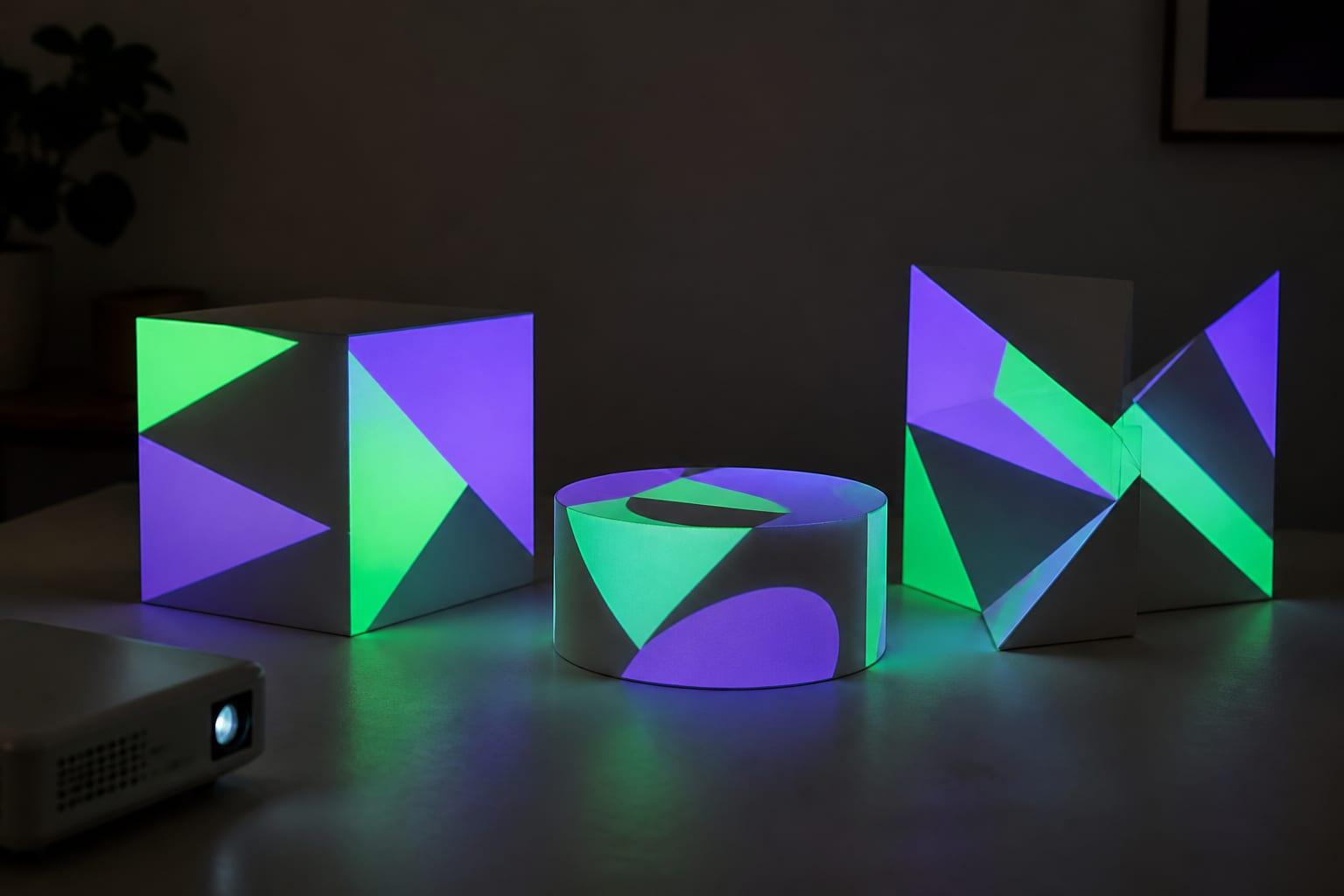
A normal projector displays a rectangle. Projection mapping software changes the content before it reaches the projector: it divides the canvas into surfaces, moves individual corners, adds masks, and sometimes bends a mesh so the resulting light fits a box, window, arch, sculpture, stage set, or building. The projector does not know that mapping is happening; it receives an ordinary video signal.
That definition separates mappers from adjacent tools. Procreate can make beautiful artwork, and VLC can play almost any video, but neither aligns separate pieces of an image to irregular geometry. They can supply content to a mapping workflow; they do not replace it.
Projector mapping, video mapping, project mapping, and projection mapper
Projection mapping is the standard technical name. Projector mapping emphasizes the hardware but usually describes the same technique. Video mapping is widely used in live events and European creative communities, especially when moving images are involved. Project mapping is usually a shortened or mistaken phrase, yet people use it when searching for the same result. A projection mapper usually means either the person operating the system or the software that performs the warp.
Use the language that makes the task clear, but do not treat these as four different technologies. In each case, pixels are transformed so that they appear correctly on a physical surface from the audience's viewing position. The meaningful distinction is between simple 2D surface warping and a true 3D pipeline based on a measured model, virtual camera, and rendered perspective.
Mobile versus desktop is a workflow decision
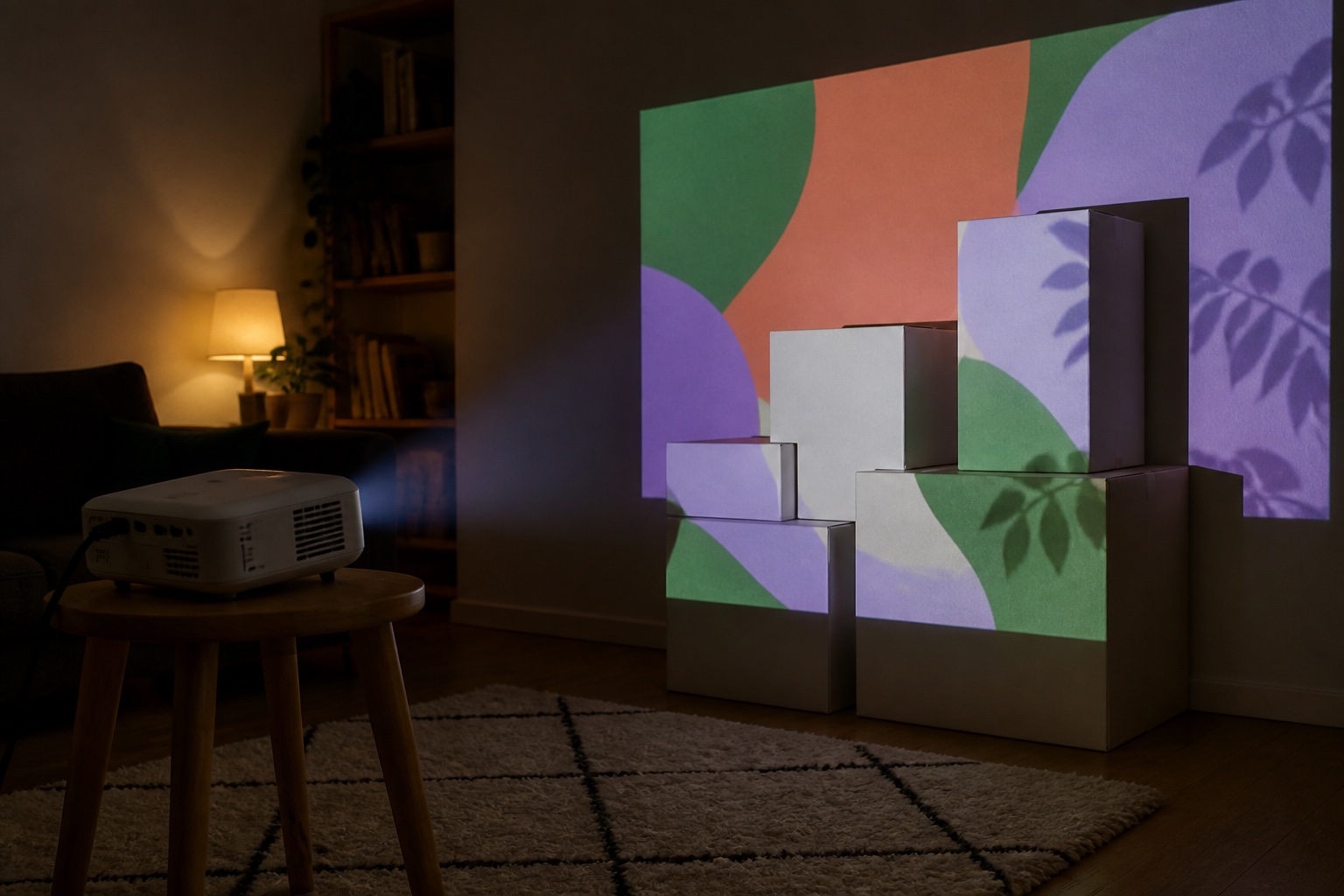
Mobile mapping removes the desk from the process. That matters for a living-room sculpture, a child's Halloween setup, a shop window, or a quick garage-door test because the operator can walk to the surface and adjust it while looking at the result. The cost is output scale: mobile hardware and operating systems are not designed to replace a multi-output media server.
Desktop software earns its complexity when the project needs several projectors, capture cards, high-resolution canvases, network video, DMX, MIDI, timecode, edge blending, or a show operator. A powerful laptop does not automatically make the map better; it makes more complicated systems possible.
How to choose without buying twice
Write down the job before comparing feature lists. Count the projectors and outputs. Decide whether the show is rehearsed or improvised, whether the content reacts to audio or sensors, and whether alignment must reload on future nights. Confirm operating-system support and test the demo through the actual adapter and projector.
Saving is easy to undervalue. A one-night cardboard-box experiment can be rebuilt, but a holiday display repeated for three weeks needs dependable project files and a projector position that can be recreated. Export, backup, media relinking, and version compatibility matter more on night two than flashy effects do on night one.
- One phone or tablet (iPhone, iPad or Android) and one projector: begin with Lazy Lighting.
- One or more computer outputs where mapping is the primary task: begin with MadMapper.
- A live music or VJ show with performance control: begin with Resolume Arena.
- A sensor-driven interactive installation: evaluate TouchDesigner.
- A theater cue stack on Mac: evaluate QLab.
Our methodology and ownership disclosure
We ranked by workflow fit rather than pretending every product serves the same customer. Platform, output capability, geometric tools, show control, learning curve, and the ability to test before paying mattered. Prices and feature tiers change, so the linked official pages are the source of truth.
The team behind Find My Projector also created Lazy Lighting. That relationship is why the disclosure appears beside the recommendation, not hidden in a footer. It also means our claim is deliberately narrow: Lazy Lighting is our best mobile choice for approachable iPhone, iPad and Android mapping. We recommend competing desktop tools when they are better suited to the job. For the hardware side, our guide to the best projectors for Lazy Lighting covers what a projector needs to work with the app.
Frequently asked questions
What is the best projection mapping app for iPhone, iPad or Android?
Our pick is Lazy Lighting for approachable, touch-first mapping from an iPhone, iPad or Android device. Find My Projector and Lazy Lighting share a team. The app is free to download with a watermarked free plan, so you can compare the workflow yourself before paying for Pro.
What is the best projection mapping software for Mac and Windows?
MadMapper is our best dedicated mapping choice on both Mac and Windows. Resolume Arena is the stronger choice when live VJ playback and performance control are central.
Is there free projection mapping software?
MapMap is free and open source. Commercial products also offer trials or demos, but output watermarks and feature restrictions differ, so test the complete projector output before relying on a free tier.
Do I need a special projector for these apps?
No. The app performs the warping and sends a normal video signal. The projector still must have the right connection, throw distance, brightness, resolution, and stable placement for the surface.
Prices, availability, and specifications can change by market and date. Confirm current manufacturer documentation and the retailer listing before purchasing.