Our recommendation
Projection mapping is the process of warping, masking, and positioning an image so projected light aligns with a physical surface instead of remaining a plain rectangle. Beginners can learn with one ordinary projector, a dark room, a stable stand, and mapping software on a phone, tablet, Mac, or PC.
A simple definition
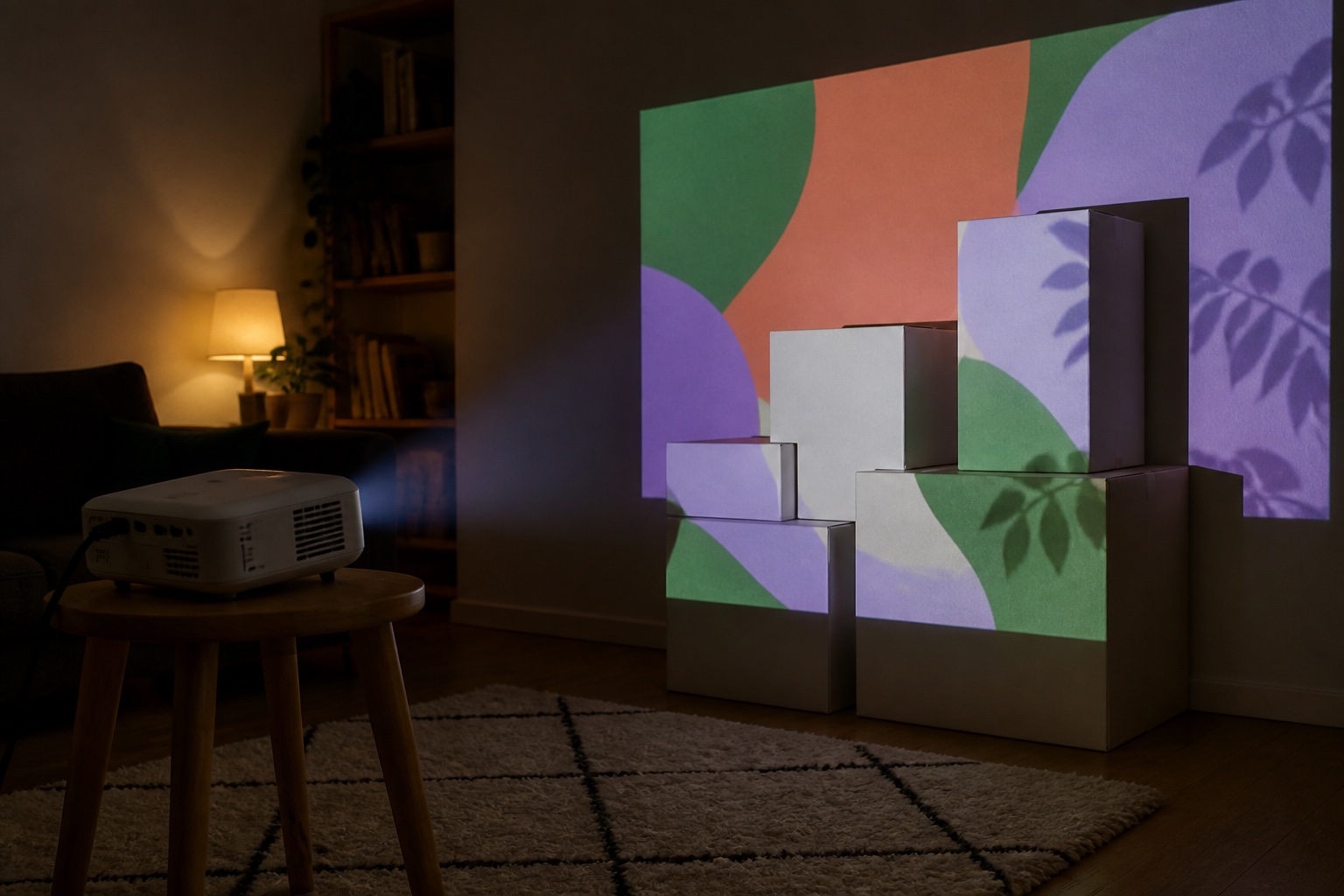
Imagine placing a white cardboard box in front of a projector. Without mapping, the box catches only part of a rectangular movie and the rest spills onto the table and wall. With mapping software, you draw a four-corner surface around each visible face of the box, assign media to those surfaces, and make every other pixel black. From the chosen viewing position, the light now appears attached to the object.
The illusion can be subtle—a window glowing with animated color—or theatrical, such as a house appearing to crack, rotate, or change materials. The physical structure does not move. Carefully aligned light changes how the eye reads its shape.
How projection mapping works
The source device creates a canvas at the projector's output resolution. The operator adds surfaces, masks, or mesh points and adjusts them while watching the real projection. A corner pin handles flat quadrilaterals; a denser mesh can approximate curves. Black areas in the final frame receive little or no visible light, while the mapped areas carry the image.
Good alignment depends on one viewing position. A map that looks perfect from the driveway may look stretched from the side because the illusion compensates for the audience's expected perspective. Professional facade shows can use surveyed geometry and a virtual 3D camera, but most home projects are convincing with 2D surfaces and masks.
- Content or a generative effect
- A mapping app that warps and masks the content
- A source device with stable video output
- A projector placed at a repeatable position
- A physical surface and controlled ambient light
Projection mapping, projector mapping, video mapping, and project mapping
People use several names for this technique, often because they approach it from different creative communities or start with different parts of the setup. They are mostly naming variations—not four separate technologies.
Whatever phrase brought you here, the core process is the same: software warps and masks an image so the projected pixels align with a physical surface rather than remaining a plain rectangle.
- Projection mapping: the established industry term for fitting projected imagery to a physical surface
- Projector mapping: a hardware-oriented phrase commonly used for the same process
- Video mapping: common in VJ, live-performance, club, and European contexts, especially when the content moves
- Project mapping: usually a shortened phrase or mistaken spelling used with the same search intent
- Projection mapper: the person doing the mapping or the software tool used to warp and mask the image
2D mapping versus true 3D mapping
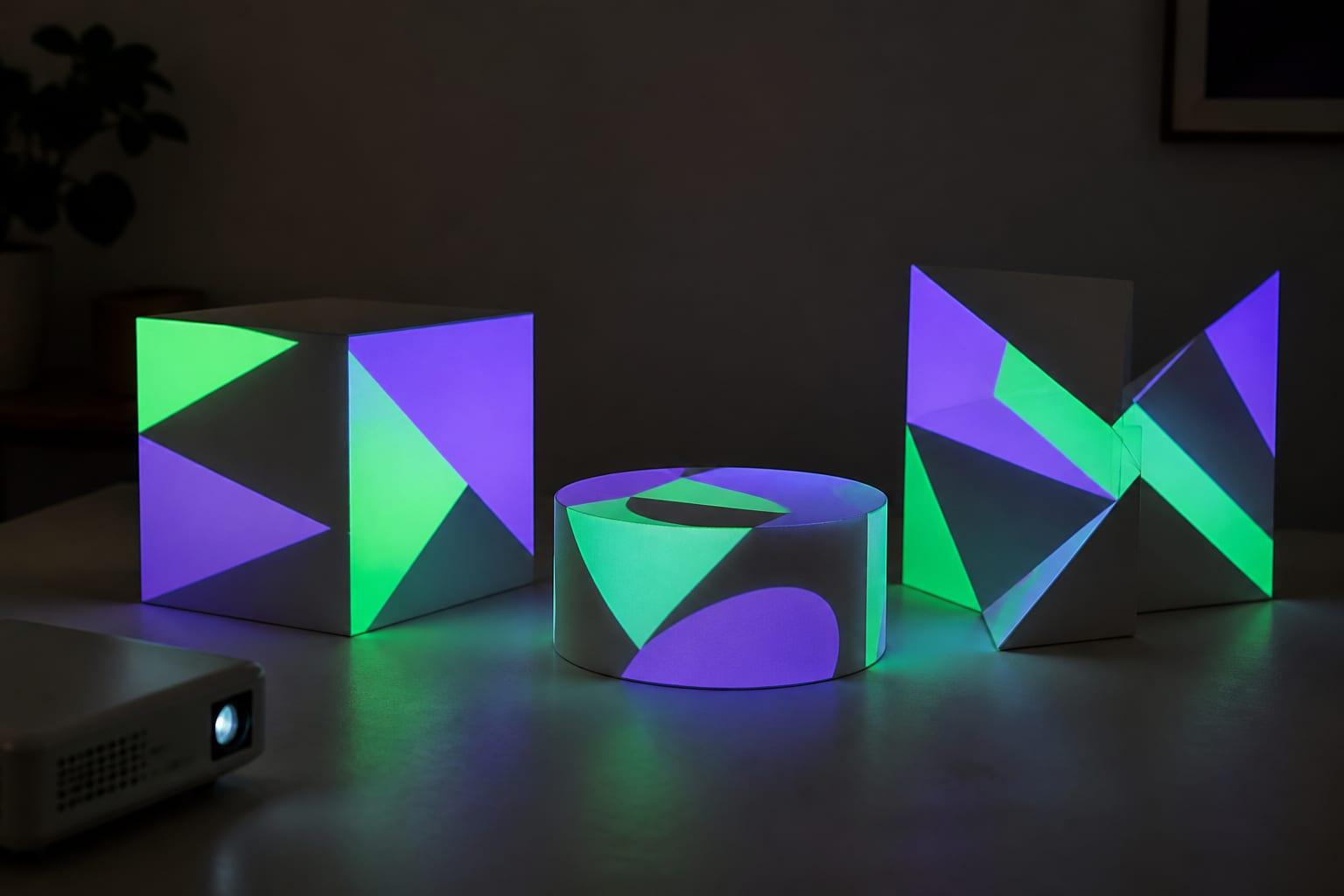
Most beginner and single-projector work is 2D mapping. You look at the real surface from the audience position and deform flat media until it fits. Multiple faces can suggest depth, yet the software may never contain a measured 3D model.
A true 3D workflow recreates the object digitally, places a virtual camera at the real projector's lens position, and renders content from that perspective. This is valuable for complex architecture, moving cameras, or content that must wrap accurately across depth. It also adds surveying, modeling, rendering, and calibration work that a stack of boxes does not need.
What equipment does a beginner need?
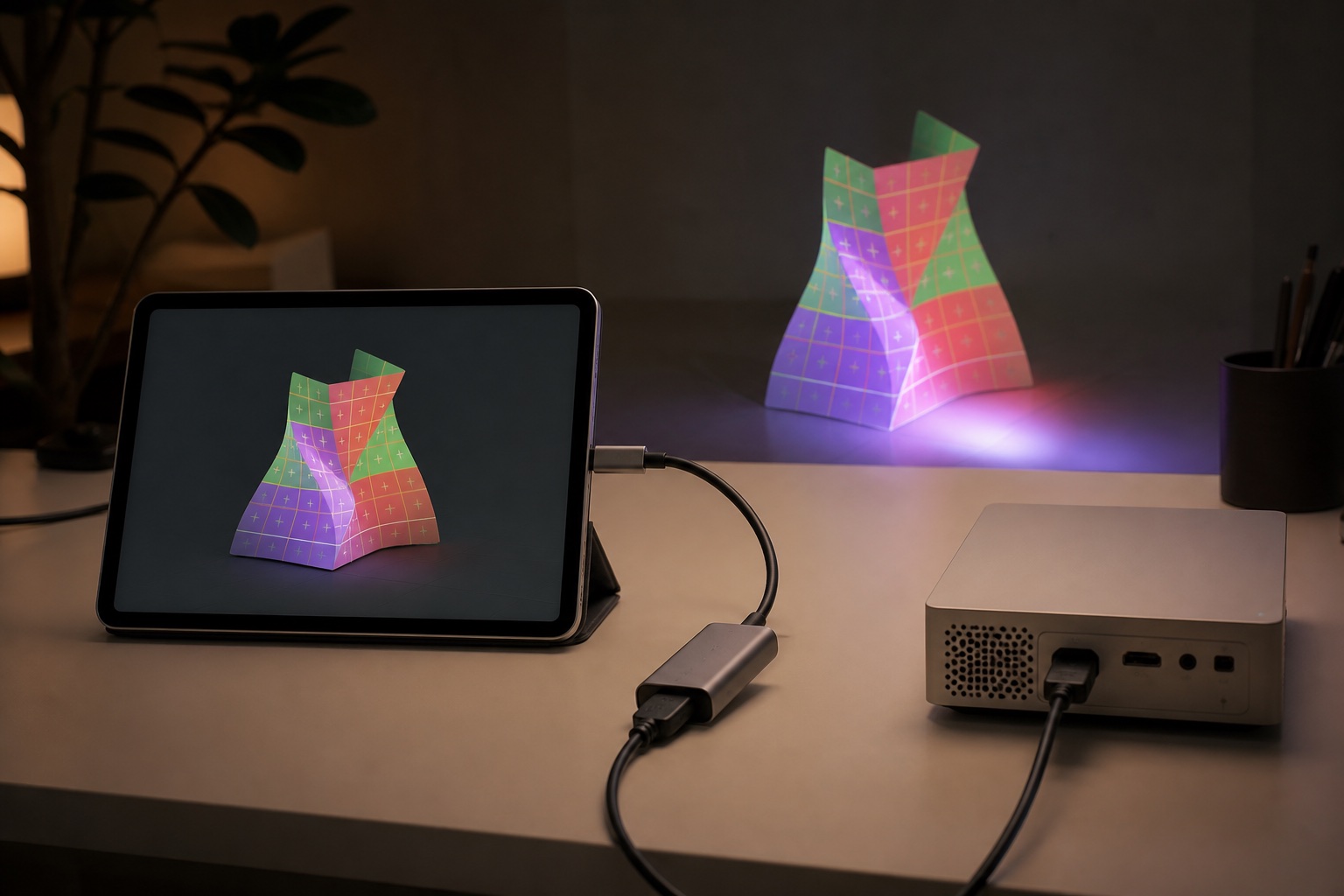
Start with equipment you can diagnose. One projector, one source device, one dependable cable or receiver, and one stable support are enough. Turn off automatic features that might reframe the image after you save the map. Begin after dark or in a room where you control the lights.
Brightness and throw fit matter more than a label that says 'mapping projector.' Measure the target width and the lens-to-surface distance. A bright office projector can be a better mapping tool than a dim miniature smart projector, while a short-throw lens may solve shadows in a cramped room.
- An ordinary 1080p projector is sufficient for learning
- HDMI is usually the easiest connection to troubleshoot
- A tripod, shelf, or mount must not drift
- Pale matte surfaces are easier than glossy, dark, or transparent materials
- Start small enough that the image remains bright
Five beginner projects that teach the right skills
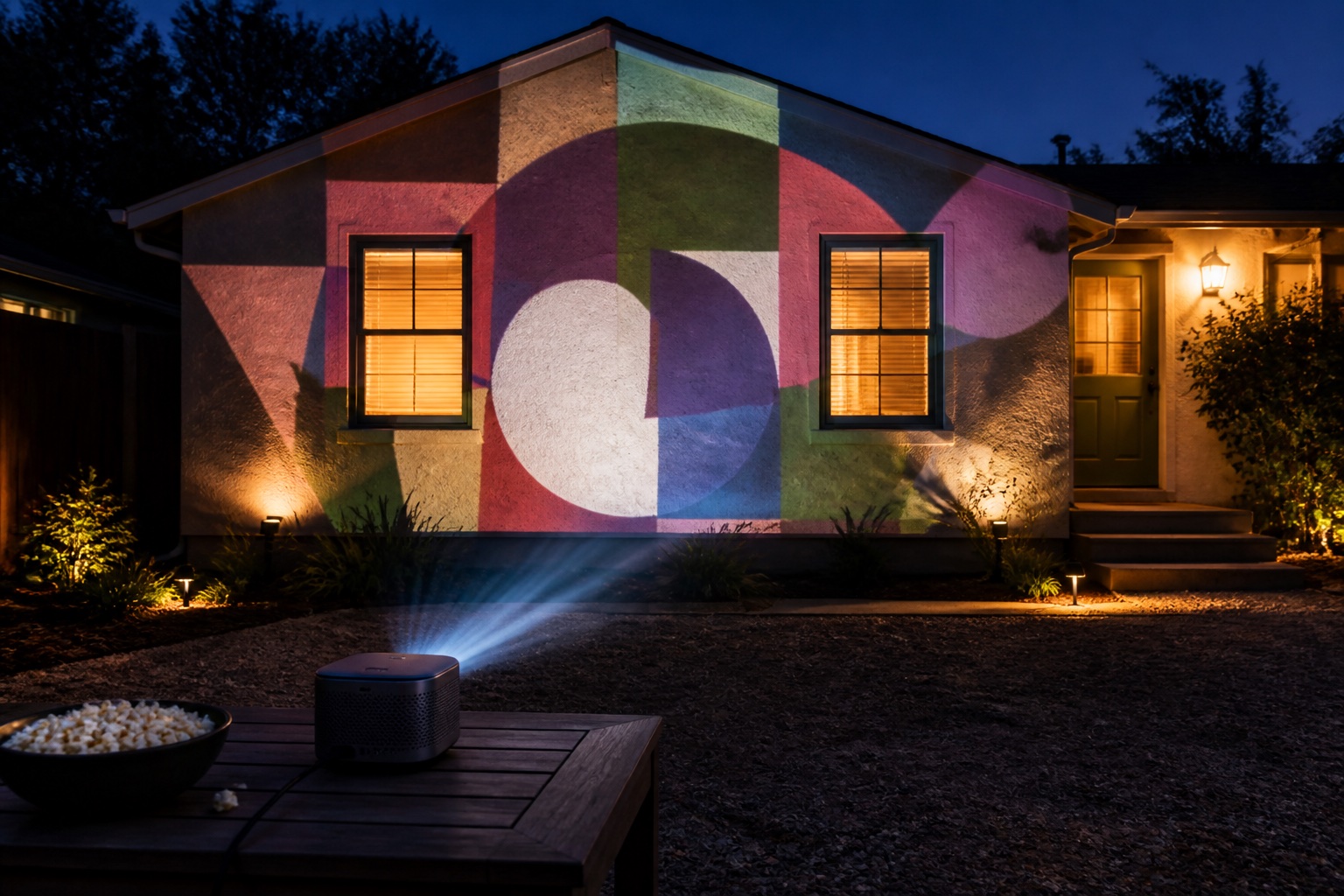
Boxes teach separate faces and hard edges. A room corner teaches how perspective changes across two walls. A window teaches masking. A paper sculpture teaches irregular outlines. A garage door teaches scale, ambient light, and repeatable outdoor placement.
Do not make your first success depend on weather, a twenty-foot cable run, or an audience. Prove the app-to-projector connection indoors, save or document the map, then expand one variable at a time.
Common mistakes
The most expensive mistake is buying a projector before measuring. The most frustrating mistake is aligning it while automatic keystone or obstacle avoidance is still changing the output. The most visible mistake is trying to overpower daylight. Projection adds light; it cannot make dark pixels darker than the surface already appears.
Other failures are mechanical: a tripod settles, a cable pulls the source device, someone bumps the table, or a portable projector changes power mode as its battery drains. Treat placement, power, cooling, and weather protection as part of the image system.
Frequently asked questions
Can projection mapping be done with any projector?
Most projectors that accept a normal video signal can be used. Whether the result looks good depends on brightness, throw distance, resolution, placement, ambient light, and the surface.
Is projection mapping the same as video mapping?
Usually yes. Video mapping is a common name for projection mapping, especially in live events and when the content is moving video.
What is projector mapping?
Projector mapping is a common, hardware-oriented name for projection mapping. It describes using software to shape a projector's image so it fits a real object, room, stage element, or building.
What is a projection mapper?
A projection mapper can mean the artist or operator who aligns the imagery, or the software used to warp, mask, and position it. The surrounding context usually makes the meaning clear.
Is projection mapping expensive?
Learning does not have to be expensive if you already own a projector and source device. Large bright outdoor surfaces, multiple projectors, weather protection, and professional content production raise the cost quickly.
Can I projection map from an iPhone, iPad or Android phone?
Yes. A mobile mapping app can create the warped image and output it to a projector through a compatible wired adapter or wireless receiver.
Prices, availability, and specifications can change by market and date. Confirm current manufacturer documentation and the retailer listing before purchasing.