Our recommendation
Almost any projector that accepts video from your device can be used to learn projection mapping. Your first test should be in a dark room on a small, pale surface. Upgrade only after you know whether brightness, throw distance, or resolution is the real limitation.
What makes a projector compatible?
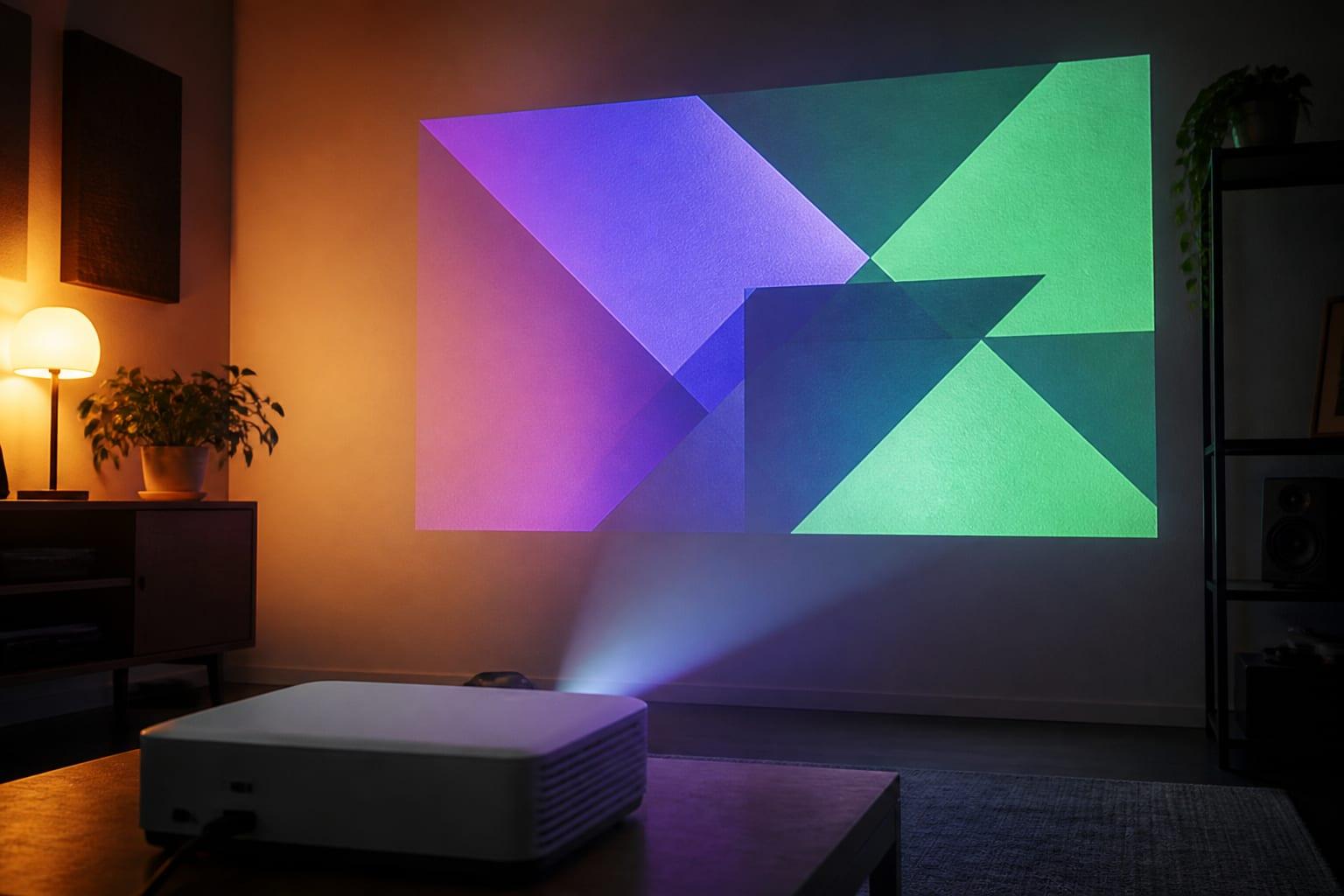
Compatibility begins with a video connection. If your computer, phone, or tablet can send a normal desktop or video image to the projector, mapping software can usually use that output.
- A video input that matches your source or adapter
- Enough throw distance to cover the target
- Enough real brightness for the surface and ambient light
- A stable position that will not move during the show
When a normal projector is enough
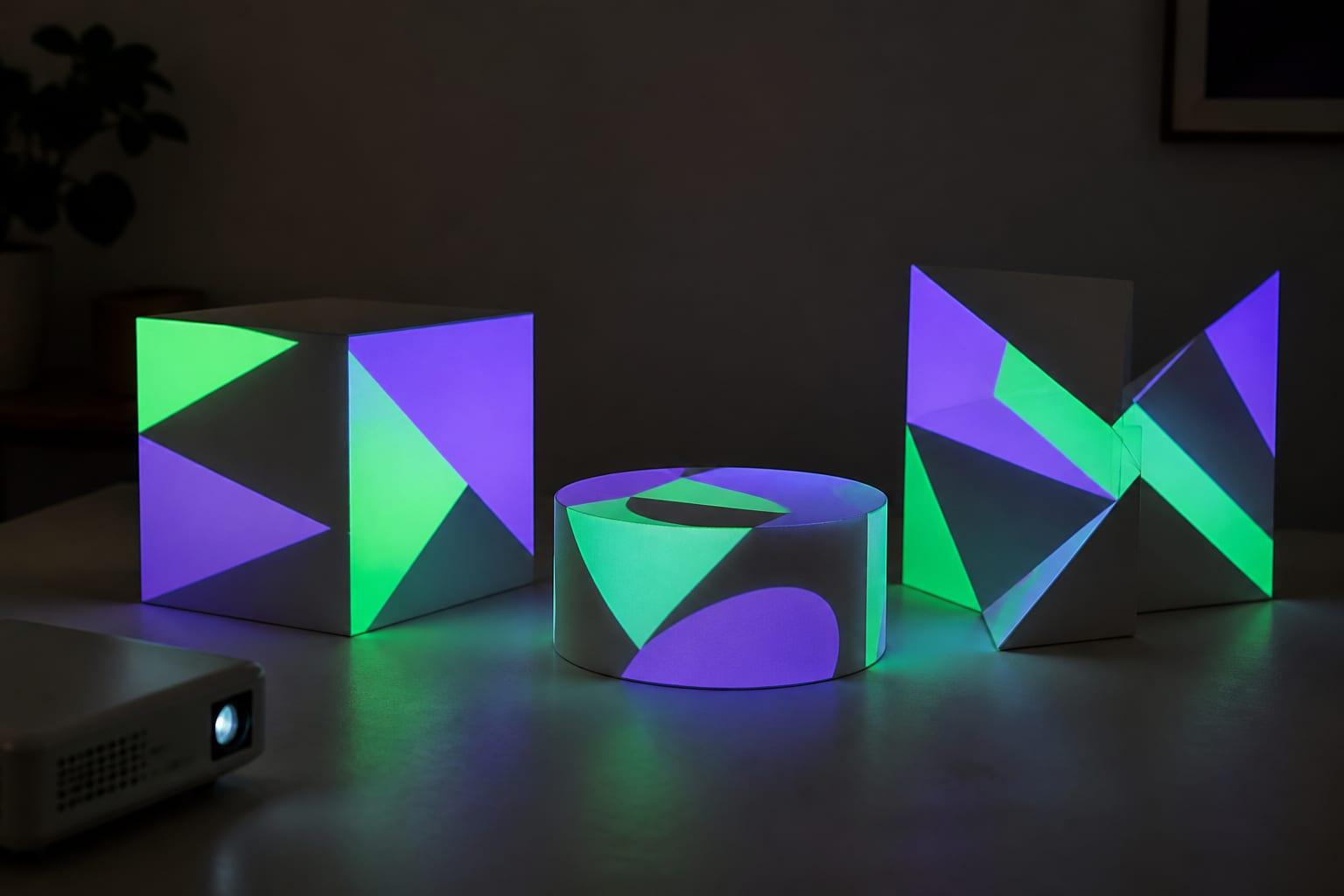
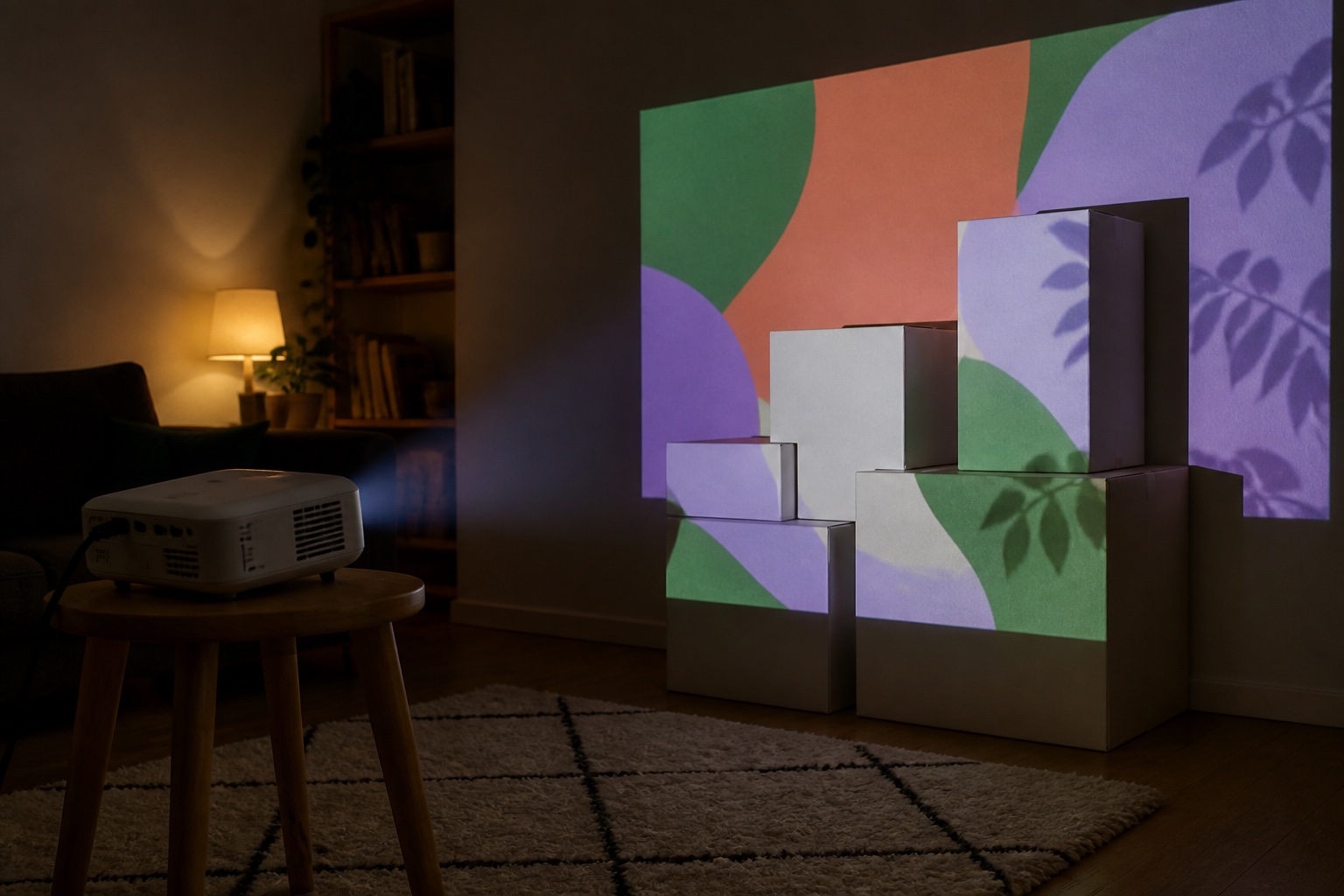
Existing home and office projectors are excellent learning tools. Start with cardboard boxes, a corner of a room, a window, or a small wall. Reduce the size of the image until it looks bright and saturated.
When you should upgrade
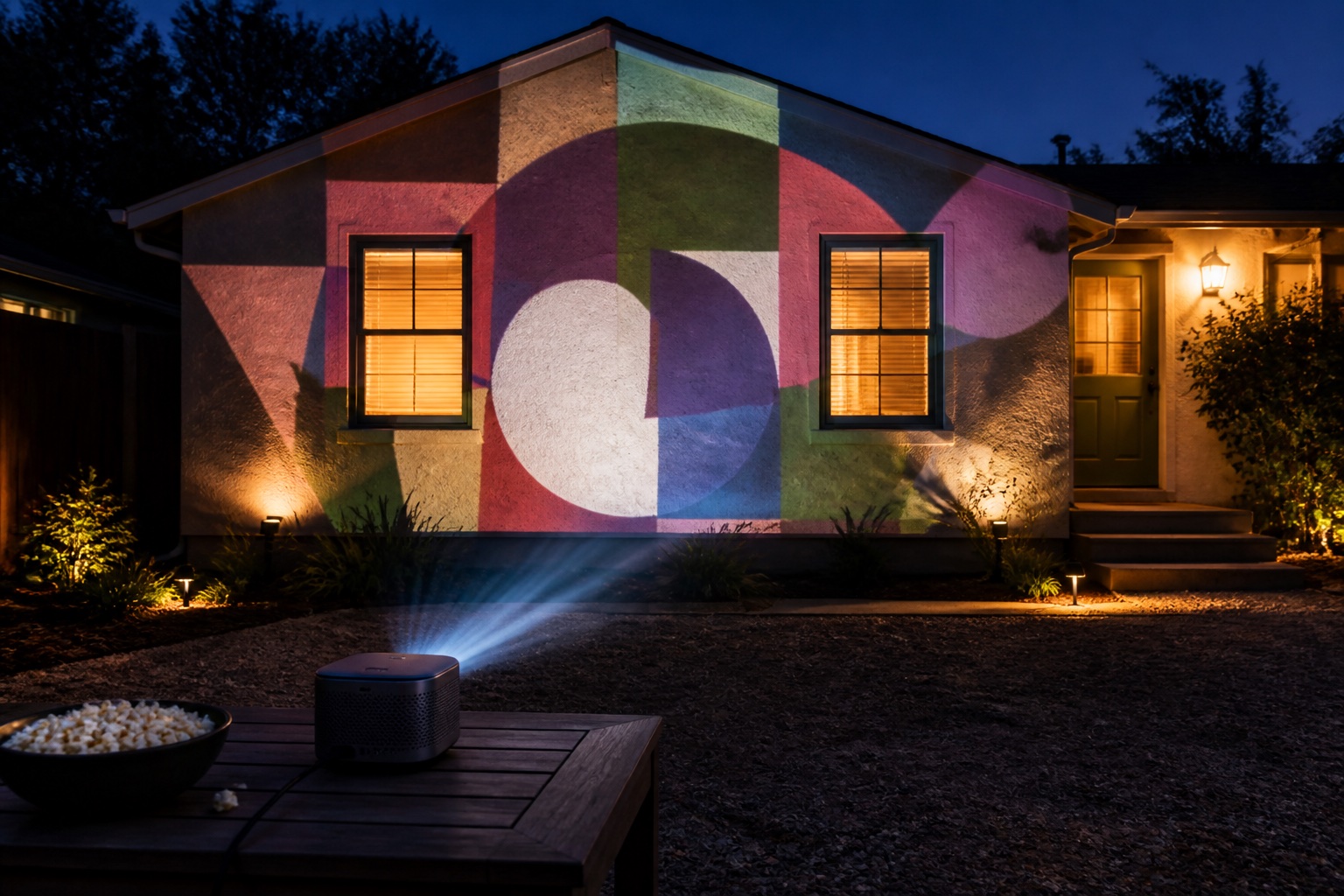
Consider a brighter or short-throw model when people create shadows, the surface must be much larger, or the image remains washed out after dark. Buy against the limitation you observed—not a generic list of professional specifications.
The app does the mapping
The projector receives an ordinary rectangular video signal. Lazy Lighting, MadMapper, Resolume Arena, or another projection mapper creates surfaces, moves corner points, and masks the pixels you do not want. That is why there is no required ‘mapping mode’ in the projector. Disclosure: we make Lazy Lighting.
Smart-TV features are optional. A dependable HDMI input and stable output geometry are more important for learning than a built-in streaming catalog.
Limitations of very cheap projectors
An inexpensive mini projector can demonstrate masking in darkness, but unqualified lumen numbers, low native resolution, noisy cooling, weak focus, and limited adjustment can make larger work frustrating. Confirm the native resolution and the method used for brightness.
If a model accepts a 4K signal but has a lower-resolution panel, it is not a native 4K projector. Input compatibility and displayed detail are separate specifications.
A ten-minute compatibility test
Connect a laptop, phone or tablet, show a grid, and make the image about one meter wide. Focus it, lock automatic keystone, and map two boxes with solid colors. Walk through the intended viewing area to check shadows.
If that works, the projector is compatible. Note what fails—coverage, color, focus, connection, or placement—before buying anything.
Frequently asked questions
Do you need a special projector for projection mapping?
No. Most projectors that can display a normal video signal can be used. The mapping app warps and masks the image.
Can a cheap mini projector do projection mapping?
Yes, for a small pale surface in a very dark room. It may not be bright or sharp enough for a garage door or house facade.
Can I use a TV projector for projection mapping?
Yes. Home-cinema, gaming, office, and portable projectors can all work when their throw, brightness, input, and placement fit the project.
Prices, availability, and specifications can change by market and date. Confirm current manufacturer documentation and the retailer listing before purchasing.