Our recommendation
On iPhone, iPad and Android, start with Lazy Lighting: it is free to download, with a watermarked free plan. On a Mac or Windows PC, TouchDesigner Non-Commercial is the strongest free option with no watermark, but it caps images at 1280×1280, rules out paid work and takes effort to learn. To learn a dedicated mapper, use the MadMapper or Resolume Arena demo and buy before a public show. On Linux, use Splash. MapMap has no current Mac or Windows installer as of October 2026. Disclosure: we make Lazy Lighting.
Projection mapping app comparison
| App | Best for | Platforms | Price model |
|---|---|---|---|
| Lazy Lighting | Best for iPhone, iPad and Android | iPhone, iPad and Android | Free to download (watermarked free plan); Pro monthly, annual or lifetime |
| TouchDesigner Non-Commercial | Best free option with no watermark (Mac and Windows) | Windows 10 and 11; macOS 13 or later | Free for non-commercial use; paid licenses for paid work |
| MadMapper demo | Best free way to learn a dedicated mapper | macOS 11 or later; Windows 10 or later | Free demo (watermark, no saving); rental or perpetual license |
| Resolume Arena demo | Best free demo for live VJ shows | macOS and Windows | Unlimited demo (logo and voice); paid license |
| HeavyM demo | Free demo with built-in visual effects | macOS and Windows | Free demo (logo on output, no saving); paid plans |
| Splash | Best open-source mapper for Linux | Linux (Flatpak) and Windows | Free and open source (GPL-3.0) |
| MapMap | Open source, waiting on a new release | Linux (build from source); Mac and Windows installers listed as coming soon | Free and open source (GPL-3.0) |
| VPT 8 | Free, but no longer developed | macOS and Windows | Free (final release May 2018) |
Best for iPhone, iPad and Android
Lazy Lighting
If your device is a phone or tablet, start here. You place a shape over each window, box or door and drag its corners on the screen while you watch the projection, standing beside the surface rather than at a laptop. It is free to download, with a watermarked free plan. Pro removes the watermark and adds project saving, every visual and effect, audio-reactive visuals, MIDI, live camera input and video export.
- Runs on the phone or tablet you already have
- USB-C or Lightning to HDMI, AirPlay, Miracast or Smart View, or Lazy Lighting Link on Google TV projectors
- The free plan is watermarked, and project saving is a Pro feature
- Not a multi-projector media server
Best free option with no watermark (Mac and Windows)
TouchDesigner Non-Commercial
Derivative's free edition puts no watermark on the output and includes Kantan Mapper, a Palette tool that fills quads and freeform shapes with video or graphics. Two rules matter: images are capped at 1280×1280, below a 1080p projector's native resolution, and paid work needs a Commercial or Pro license. It is a visual programming environment, so expect a steep start.
- No watermark on the output
- Cameras, sensors, sound and MIDI for interactive work
- Images capped at 1280×1280, and no paid work
- Slow to learn if all you need is a few boxes
Best free way to learn a dedicated mapper
MadMapper demo
MadMapper's free license, meant for testing and learning, includes the full mapping toolset. The catches are deliberate: a watermark on the input, output and output preview, no loading or saving of projects, no SVG, PNG or PDF export, and DMX lights that black out every 30 seconds. It is fine for practice and planning, not for a display you need to reload every night.
- Full toolset, so nothing to relearn when you buy
- A rental license covers a single event
- Watermark on the output
- Can't save or load projects
Best free demo for live VJ shows
Resolume Arena demo
Resolume lets you try Arena for as long as you like with every feature working. Until you enter a serial number, the Resolume logo appears on the video output from time to time and a robotic voice in the audio reminds you which software you are using. Arena, not Avenue, has the mapping tools. Use this demo when the show is live clips and effects to music.
- No time limit, and every feature works
- Mapping, edge blending and DMX
- Logo on the output and a voice in the audio
- More software than a static window or box display needs
Free demo with built-in visual effects
HeavyM demo
HeavyM is built around ready-made visual effects that you apply to shapes drawn over the surface, so you can light up boxes or a wall without making video first. HeavyM says the demo includes every feature and has no time limit, but you can't save or load a project, and its logo appears regularly on the output.
- Ready-made effects, so no video files needed to start
- No time limit on the demo
- Can't save or load projects
- Logo appears regularly on the output
Best open-source mapper for Linux
Splash
Splash is the open-source mapper that is clearly still alive: version 0.12.6 reached Flathub on September 1, 2026. It is built for immersive rooms with several projectors, and calibrates their blending and color semi-automatically against a 3D model of the surfaces. That model is the catch for beginners, though Splash includes a Blender add-on to help. There is no watermark and no feature limit.
- No watermark or feature limits, GPL license
- Blends several projectors; runs on a Raspberry Pi 5 for testing
- Needs a 3D model of the surface
- No macOS version
Open source, waiting on a new release
MapMap
MapMap is the name most lists give for free mapping software: simple shapes filled with video, no watermark, no license rules. The trouble in October 2026 is installing it. The last stable release, 0.6.2, is from 2018. Work resumed in 2026 toward version 1.0, but the official download page lists the Mac and Windows installers as coming soon, and its Linux packages only cover Ubuntu 14.04 and 16.04.
- Free with no watermark or license limits
- Under active development again
- No current Mac or Windows installer
- Linux users need to build it from source
Free, but no longer developed
VPT 8
HC Gilje's Video Projection Tool is free, adds no watermark and is still downloadable from his site. But VPT 8, released in May 2018, is the final version, and the author warns there is no guarantee it works on newer systems; a beta for Apple silicon Macs followed in May 2023. Use it if you already know it and it runs; otherwise pick a maintained tool.
- Free with no watermark
- Mac and Windows builds
- No updates since 2018 apart from a 2023 beta
- No one to fix it if it breaks before a show
What “free” means for each tool
Free mapping software comes in three kinds, and the kind matters more than the feature list. If the technique is new to you, start with how projection mapping works. We checked each tool's official site, documentation, download page or store listing on October 28, 2026.
- Open source (MapMap, Splash, VPT 8): no cost and no watermark. MapMap and Splash are GPL-licensed, so paid work is allowed. The risk is an old build that won't install on a current computer.
- Free to download with a paid upgrade (Lazy Lighting): the free plan is watermarked, and Pro removes the watermark.
- Unlimited demos (MadMapper, Resolume Arena, HeavyM): no time limit, but the output carries a logo or watermark.
- Non-commercial license (TouchDesigner): no watermark, a 1280×1280 cap, and no paid work.
| Tool | Kind of free | Watermark | Biggest limit | Runs on |
|---|---|---|---|---|
| Lazy Lighting | Free to download, watermarked free plan | Yes, on the free plan | Saving and video export are Pro features | iPhone, iPad, Android |
| TouchDesigner Non-Commercial | Non-commercial license | No | 1280×1280 cap; no paid work | Windows, macOS |
| MadMapper demo | Unlimited demo | Yes | Can't save or load projects | macOS, Windows |
| Resolume Arena demo | Unlimited demo | Yes, plus a voice in the audio | Logo and voice until you buy | macOS, Windows |
| HeavyM demo | Unlimited demo | Yes (logo) | Can't save or load projects | macOS, Windows |
| Splash | Open source (GPL-3.0) | No | Needs a 3D model of the surface | Linux, Windows |
| MapMap | Open source (GPL-3.0) | No | No current Mac or Windows installer | Linux (from source) |
| VPT 8 | Free | No | Final release was in 2018 | macOS, Windows |
Which free tool for your device
Start with the device that will run the show. Most of these tools run on one or two platforms, and none runs everywhere.
- Phone or tablet: Lazy Lighting, on iPhone, iPad or Android. Newer iPhone and iPad mapping apps such as Viso, SurfaBeam and PicoMap appeared in 2026; we haven't tested their free tiers, so check that the free version can output to a projector.
- Mac: TouchDesigner Non-Commercial (macOS 13 or later) if you want a clean output and will put in the learning time; otherwise the MadMapper, Resolume Arena or HeavyM demo to learn a dedicated mapper.
- Windows: the same choices, plus Splash's Windows package. TouchDesigner needs Windows 10 or 11 and a graphics card with Vulkan 1.1 and at least 4 GB of video memory.
- Linux: Splash, installed from Flathub. MapMap can be built from source. TouchDesigner, MadMapper, Resolume and HeavyM don't run on Linux.
Which free tool for your project
Match the tool to the job, not to the longest feature list. The simplest tool that does the job is usually the one that still works on the night.
- A holiday window: one window with a rear-projection screen may not need mapping at all; play one of the many free Halloween projector videos full screen from a USB stick. To fit separate panes or several windows from one projector, map them with Lazy Lighting, and decide early whether the free plan's watermark is acceptable for a display that runs all season.
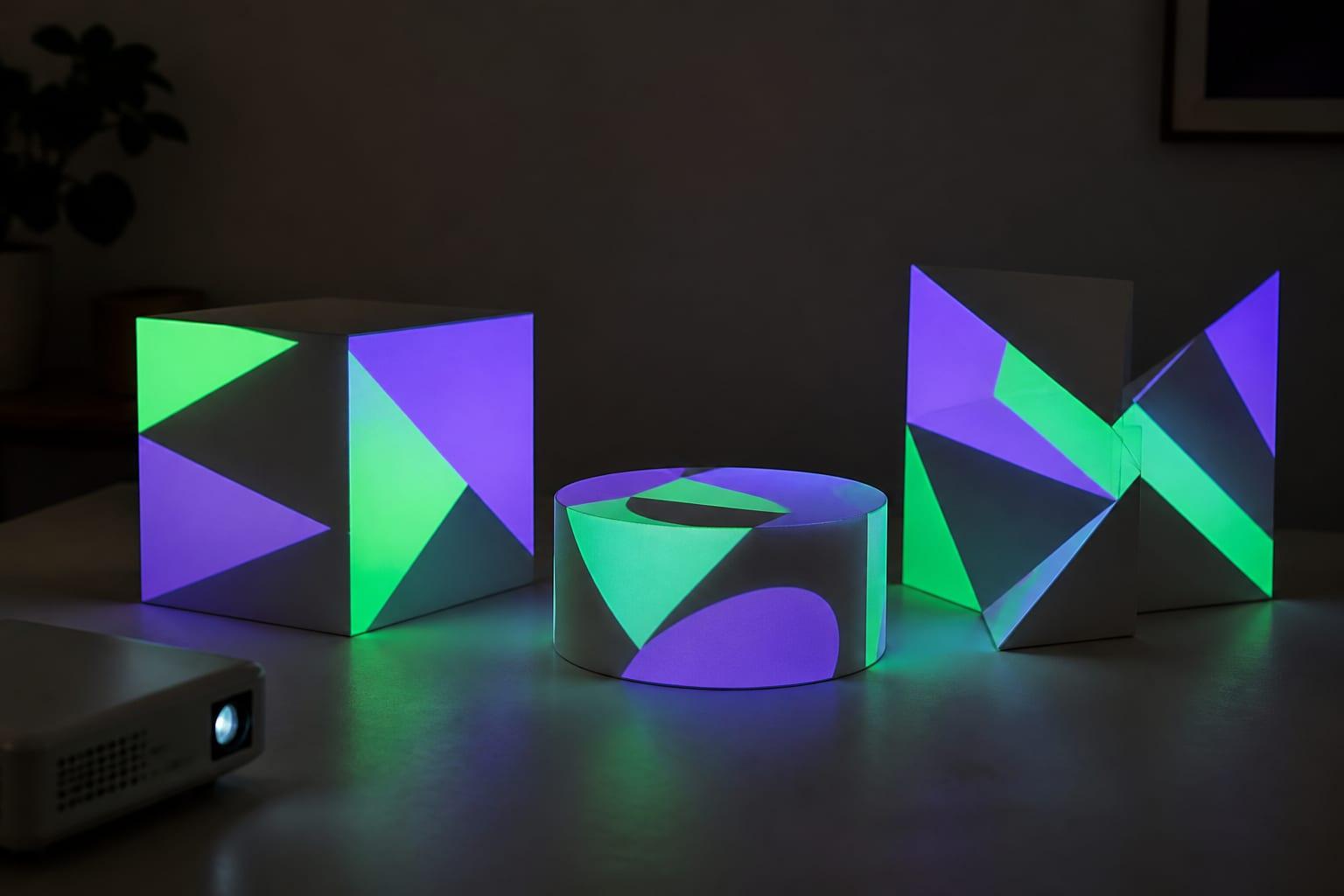
- Boxes on a table: the classic first project. Use Lazy Lighting on a phone, or the HeavyM demo on a computer for ready-made effects. A dark room and a small projector are enough.
- A stage, school play or event: rehearse in the Resolume Arena or MadMapper demo, then buy or rent a license before the audience arrives. For several projectors blended into one image on no budget, Splash is the free route, if someone can build the 3D model.
- Interactive work: TouchDesigner Non-Commercial, for cameras, sensors, sound and generative graphics, as long as nobody pays you for the piece. Lazy Lighting's audio-reactive visuals, MIDI and live camera input are Pro features.
What you still need to buy
Free software handles the warping. The light still has to come from a projector, and the signal still has to reach it.
No projector yet? Our guide to the best cheap projectors for projection mapping covers budget models; ignore unrated five-digit “lumens” claims and compare ANSI or ISO figures. The throw-distance calculator checks whether a projector fits your space.
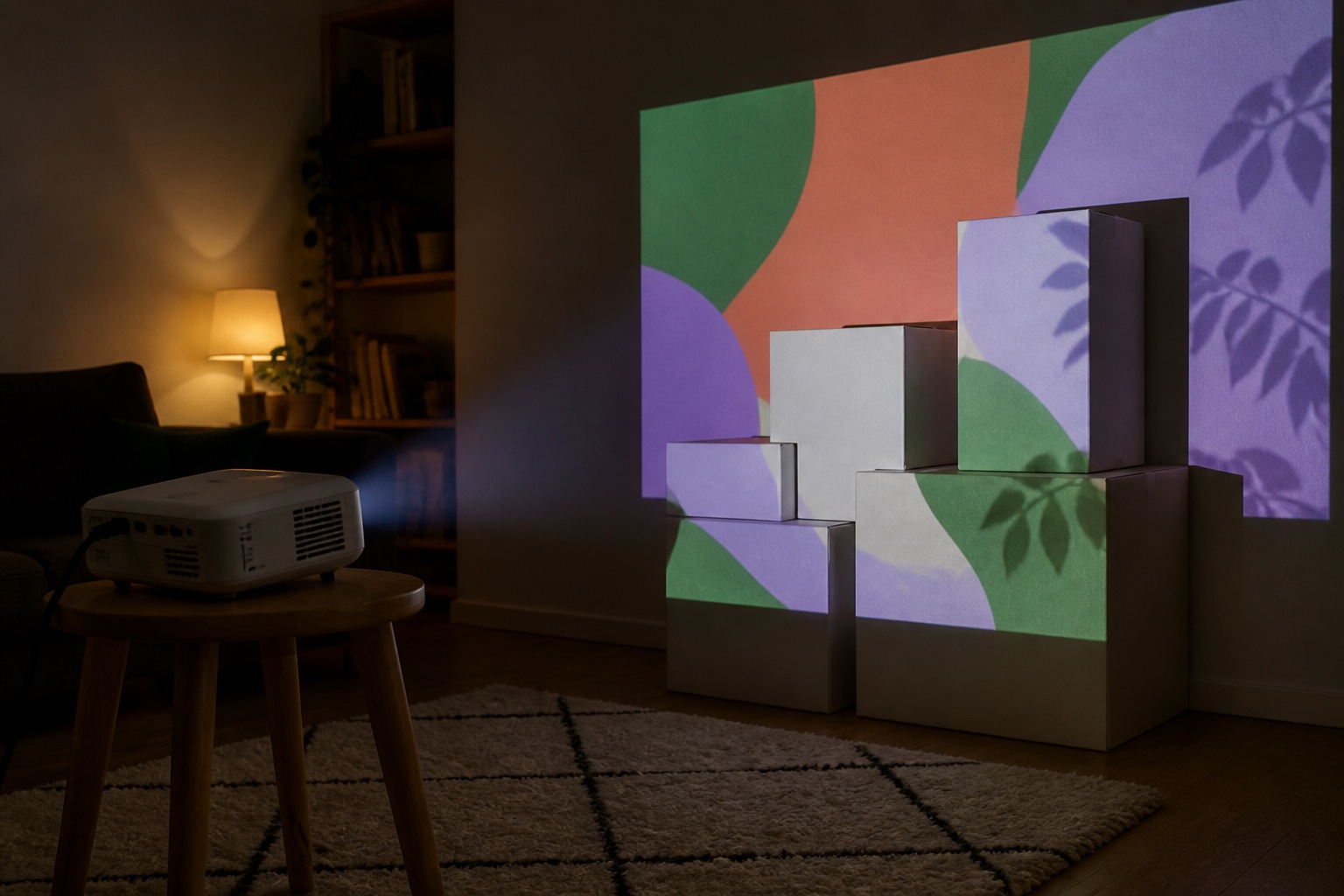
- A projector with a video input. Any projector that accepts HDMI or screen casting can be mapped. After dark, plan on about 300 ANSI lumens for props or a window, 500–1,000 for an indoor wall in a dim room, and about 3,000 or more for a garage door.
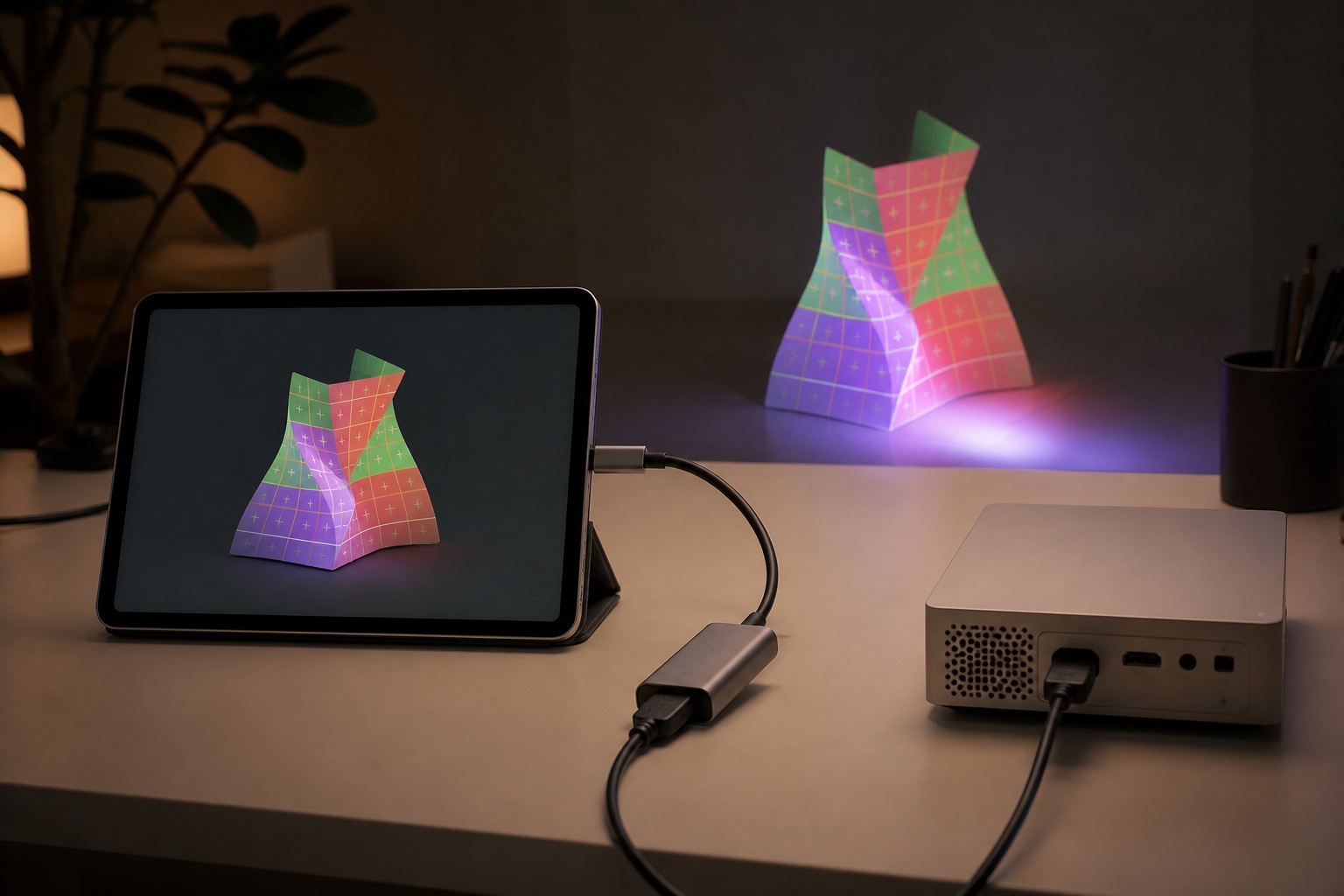
- A cable or adapter. A laptop needs an HDMI port or a USB-C-to-HDMI adapter. iPhone 15 and later (except the 16e and 17e), most Samsung Galaxy S, Note, Fold and Tab S models, and Pixel 8 and later use the same kind of adapter. Lightning iPhones need Apple's Lightning Digital AV Adapter.
- Or a wireless link: Lazy Lighting also connects by AirPlay (iPhone and iPad), Miracast or Smart View (many Android phones), or the Lazy Lighting Link receiver app on Google TV projectors.
- A steady stand. Once the map is set, turn off the projector's automatic keystone and focus so nothing shifts under your shapes.
Free-tier limits that matter at a show
Free tiers are fine for practice. These are the limits that show up on the night:
- Watermarks: a logo on the output is visible to everyone on the street or in the room.
- Sound: Resolume's demo adds a robotic voice to the audio, so don't run show audio through it.
- Saving: if the app can't save, a crash or a restart means mapping every surface again. That rules out the MadMapper and HeavyM demos for a display that runs for weeks. Lazy Lighting's free plan doesn't save projects either; that is a Pro feature.
- Resolution: with TouchDesigner Non-Commercial, set the output to 1280×720 and let a 1080p projector scale it up.
- Commercial use: take money for a display and TouchDesigner Non-Commercial is no longer allowed.
- Old builds: VPT 8 and MapMap 0.6.2 date from 2018. Test on the exact computer you will use, and don't update its operating system that week.
When paying makes sense
Pay when a free-tier limit reaches your audience: a watermark on a public display, a voice in the soundtrack, or a map you rebuild every night. You don't always need a permanent license: MadMapper rents one for a temporary installation, and Lazy Lighting Pro is billed monthly, annually or once for lifetime access.
Our projection mapping software comparison ranks the paid versions by platform and workflow. Whichever you choose, test the free version first through the adapter and projector you will actually use.
Frequently asked questions
Is there free projection mapping software?
Yes. MapMap, Splash and VPT 8 are free with no watermark, TouchDesigner Non-Commercial is free for unpaid work, the MadMapper, Resolume Arena and HeavyM demos mark the output, and Lazy Lighting is free to download with a watermarked free plan.
What is the best free projection mapping app for iPhone, iPad or Android?
We suggest Lazy Lighting, which we make. It runs on iPhone, iPad and Android and is free to download, with a watermarked free plan; Pro removes the watermark and adds project saving.
Is there free projection mapping software without a watermark?
TouchDesigner Non-Commercial (Mac and Windows, unpaid work only, 1280×1280 cap), Splash (Linux and Windows, needs a 3D model) and VPT 8 (Mac and Windows, no longer developed). MapMap has no watermark but no current Mac or Windows installer.
Is MapMap still available?
Its source code is, and development resumed in 2026. But the last stable release is 0.6.2 from 2018, and in October 2026 the official download page lists the Mac and Windows installers as coming soon.
Is MadMapper free?
It has a free demo license with a watermarked output, and loading and saving projects is disabled. Paid options are a rental or a perpetual license.
Can I use TouchDesigner for free?
Yes. TouchDesigner Non-Commercial is free for unpaid work, with no watermark and images capped at 1280×1280. Paid work needs a Commercial or Pro license.
Do I need a special projector for free mapping software?
No. The software sends an ordinary video signal, so any projector with HDMI or casting works. After dark, plan on about 300 ANSI lumens for a window and about 3,000 or more for a garage door.
Prices, availability, and specifications can change by market and date. Confirm current manufacturer documentation and the retailer listing before purchasing.
- Lazy Lighting: how mapping works in the app (our app) ↗
- Lazy Lighting: connect a phone or tablet to a projector (our app) ↗
- Derivative: TouchDesigner Non-Commercial ↗
- Derivative: TouchDesigner license comparison ↗
- Derivative: TouchDesigner system requirements ↗
- Derivative: Kantan Mapper ↗
- MadMapper software and licenses ↗
- MadMapper FAQ: full and demo versions ↗
- Resolume: registering and demo limitations ↗
- Resolume shop: try before you buy ↗
- Resolume: Avenue and Arena differences ↗
- HeavyM help center: limitations of the demo version ↗
- Splash official site ↗
- Splash on Flathub ↗
- MapMap download page ↗
- MapMap source code and release history ↗
- HC Gilje: VPT 8 ↗
- Apple: charge and connect with the USB-C connector on your iPhone ↗